@ ToolkitRC 2020
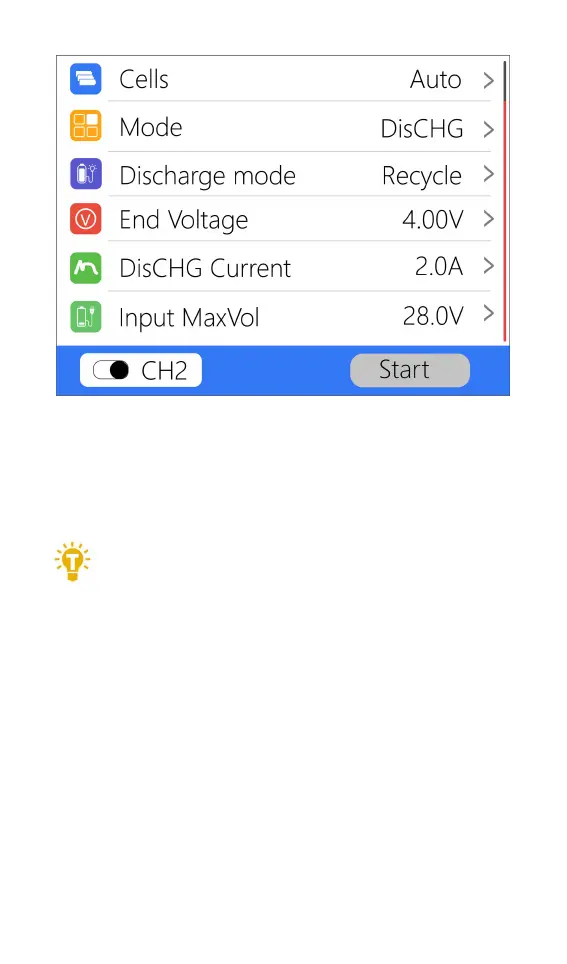
Move the cursor to [Discharge Mode] and press [OK]
to adjust the input MaxVol. If the input voltage reaches
this voltage during discharge, the discharge will stop.
=================================
Tips:
Please set the input cut-off voltage withing the
safe voltage range of the power supply battery. After the
voltage is reached, the charger will automatically stop
recycling and discharging. Setting a high over-voltage
may damage the input power battery.
=================================
6,End voltage(TVC)
Move the cursor to [End Voltage] and press [OK] to
modify the end voltage of the single battery. When the
working mode is charging, it is the charging cut-off



 To Next Page