@ ToolkitRC 2020
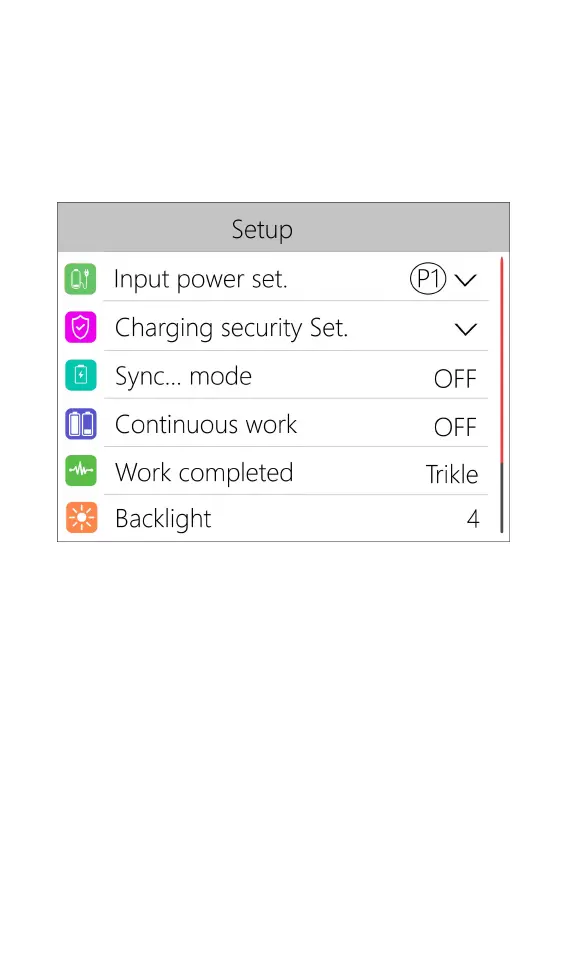
System settings
After long-pressing [OK] on the main interface, you
can enter the system setting interface when both
channels are idle, as shown below.
Input power settings: Enter the relevant settings of the
power supply. After long-pressing, can select power
supply 1, power supply 2, and power supply 3. Short
press to expand settings. As shown below.



 To Next Page