@ ToolkitRC 2020
7,Current setting
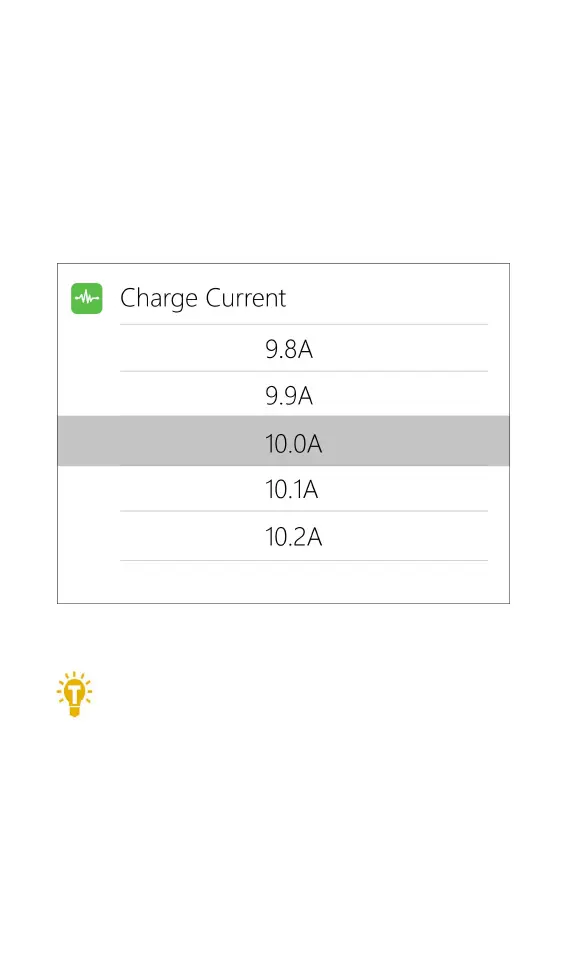
Move the cursor to the position of [Charge Current]
or [Discharge Current] and press [OK] to modify the
current. Rotate the [Scroll Wheel] to adjust the value and
step 0.1A. Quickly scroll [Scroll Wheel] to quickly increase
or decrease. The charger supports up to 15.0A. In
synchronous mode, maximum support 25A.
===================================
Tips:
1. Please set the charging rate of 1-2C according
to the battery capacity.
For example: For a battery with a capacity of 2000mAh,
please set the charging current to 2.0-4.0A as
appropriate.
2. Charging and discharging current are only valid



 To Next Page