@ToolkiRC 2021
Charge and discharge settings
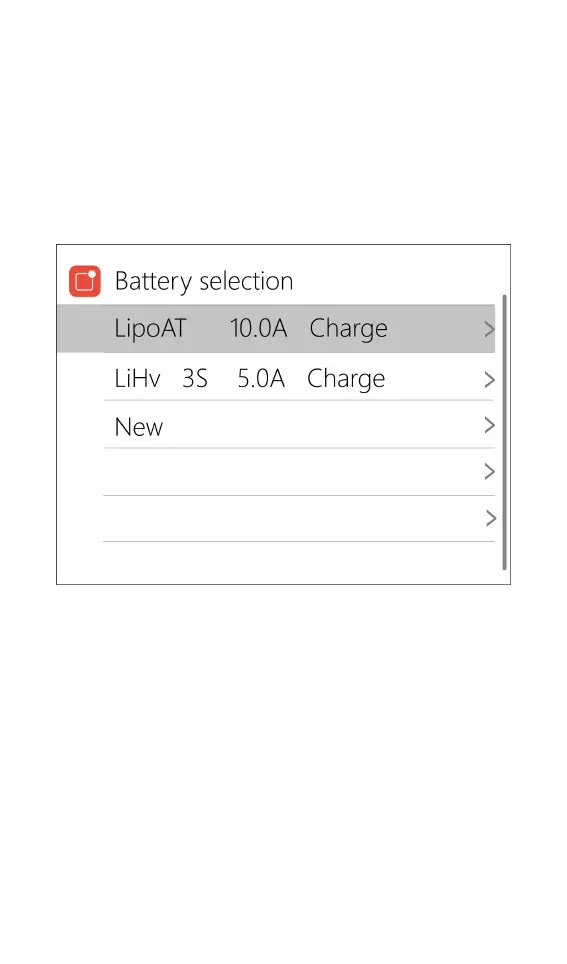
In the main interface, select and short press [OK] to
enter the charging function, open the battery selection
option in the system settings, and the following interface
will be displayed.
1. Battery type setting
Scroll [Scroll Wheel], move the cursor, select the
battery that has been set, or create a new battery, up to
32 batteries can be created. Press [Enter] to enter the
battery setting interface of this group, the display is as
follows:



 To Next Page