@ToolkiRC 2021
Quick start
1,Connect the 7-28V power supply to the input port on
the back of the M7.
2,The display shows the boot logo and stays for 2
seconds.
3,Simultaneously with do-re-mi boot sound.
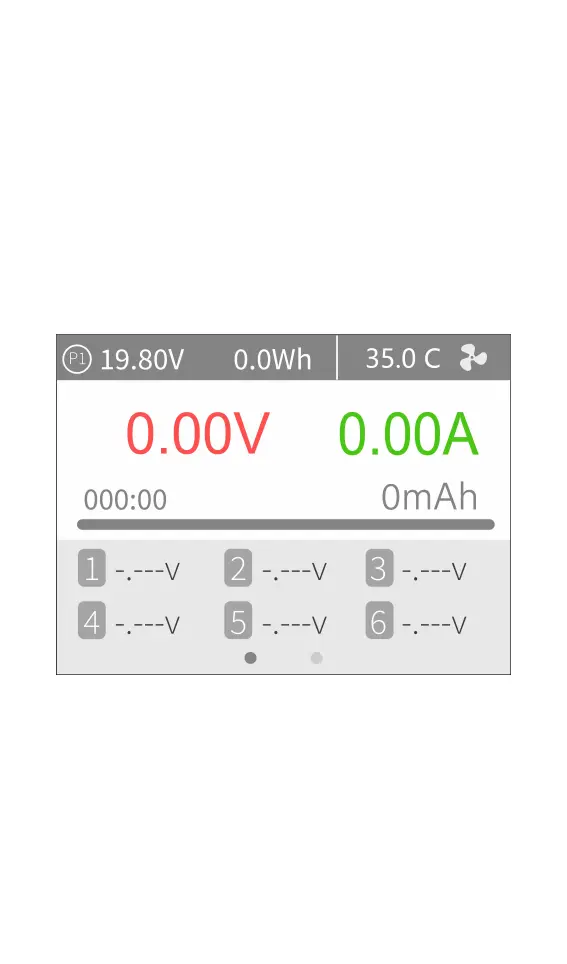
4,After the boot is completed, the screen enters the
main interface and displays as follows:
5,Long press [Exit] to enter the auxiliary function
interface.
6,Scroll [Scroll Wheel] to switch the page below.
7,Short press [OK] to select the charging task when the
charger is idle. You can adjust and finish the work when
the charger is working.
8,Long press [OK] to enter the system setting interface



 To Next Page