@ToolkiRC 2021
2. The Cells is set incorrectly, it may be
unsatisfactory, or overcharge may damage the battery,
please set it carefully.
3. After Lixx batteries are connected to the balance
port, the battery cells can be more accurately identified.
=================================
3. Work Mode
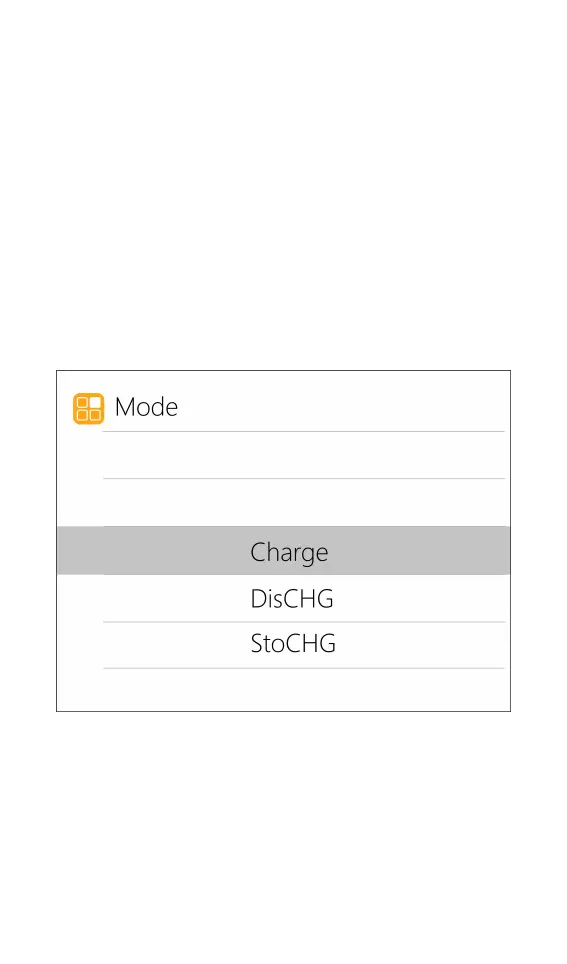
Move the cursor to [Mode] and press [OK] to
modify the work mode, as shown in the figure below:
Lipo, LiHV, LiFe, Lion batteries can be charged,
discharged, and stored. NiMh battery can choose to
charge, discharge, cycle. PB battery can choose to
charge and discharge. Short press [OK] and [Exit] to take
effect and return to the previous interface.



 To Next Page