@ToolkiRC 2021
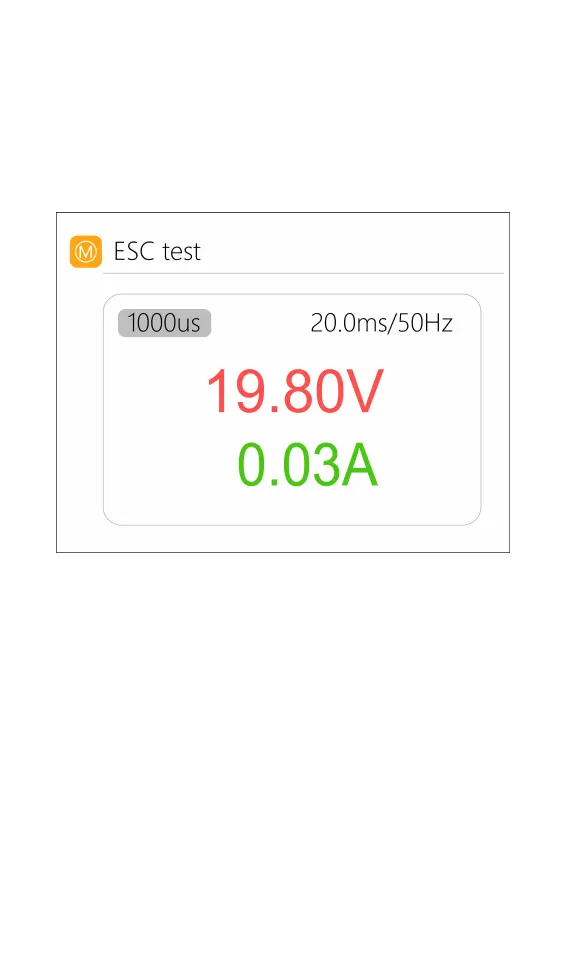
4. ESC test
Select ESC test with the cursor, short press [OK] to
enter the ESC test, scroll [Scroll wheel], move the cursor
to the pulse width and cycle, press [OK] to change the
corresponding value. As shown below:
5. Power
Select the adjustable power supply with the cursor,
and short press [OK] to enter the power.
The voltage and current of the output power
supply can be set. Move the cursor to the beginning,
short press [OK] to start power output and return to the
main interface. As shown below:



 To Next Page