@ToolkiRC 2021
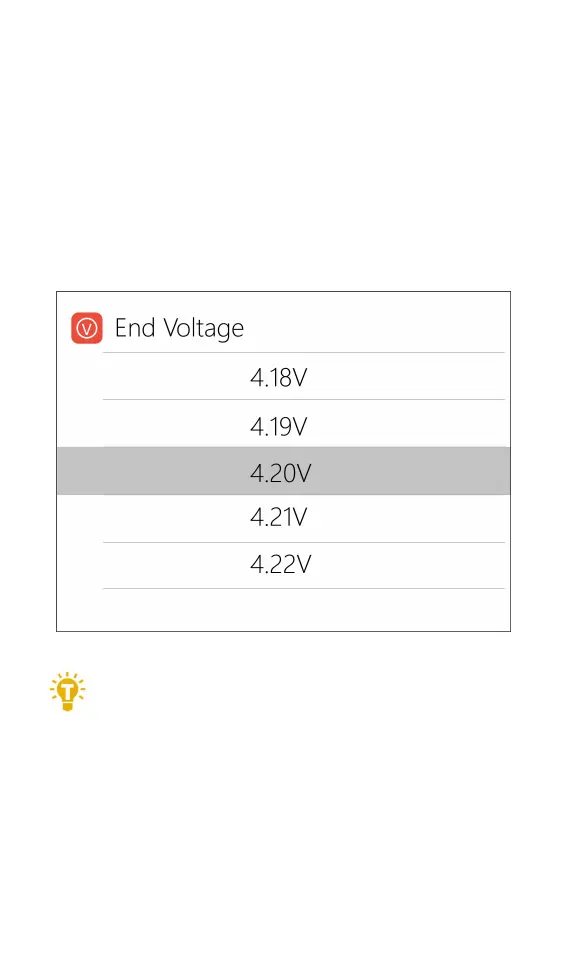
6. End voltage setting (TVC)
Move the cursor to [End Voltage] and press [OK] to
modify the end voltage of the single-cell battery.
When the work mode is charge, it is the charge
cut-off voltage, and the range is plus or minus 50mV of
the full voltage. When the working mode is discharge, it
is the discharge cut-off voltage. Scroll [Scroll wheel] to
adjust the value, step 0.01V.
===================================
1. Only LiPo, LiHV, LiFe batteries can set the
cut-off voltage.
2. Do not modify the cut-off voltage when you are not
familiar with the battery characteristics.
3. The charging cut-off voltage can be set to a range of
plus or minus 50mV of full voltage.
4. Glossary explanation:
TVC: English abbreviation for terminal voltage control



 To Next Page