@ToolkiRC 2021
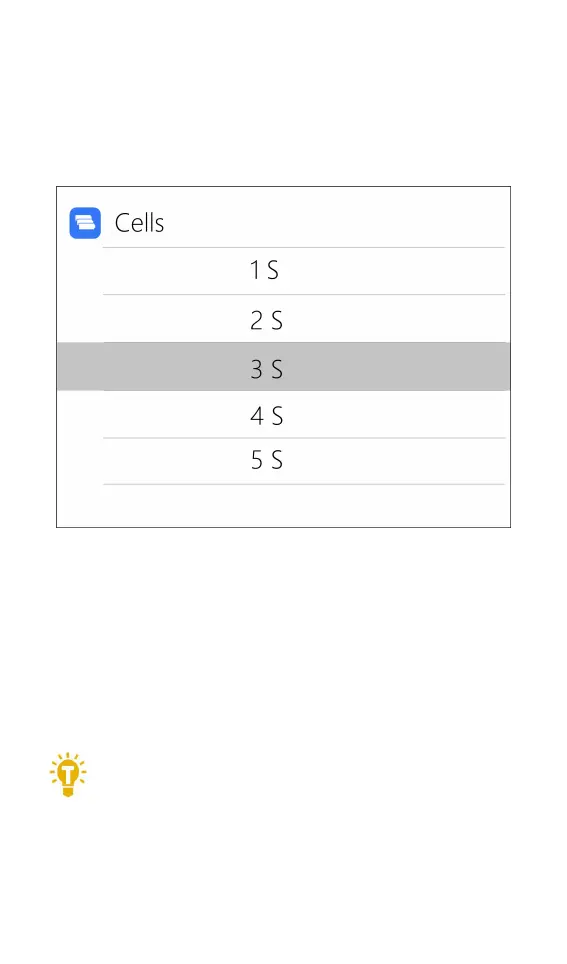
2. The Cells Setting
Move the cursor to the position of [Battery Section],
press [OK] to modify the cells of battery. The display is as
follows:
Rotate the [Scroll wheel] to adjust the value. When
set to [Auto], the charger will automatically identify the
number of strings connected to the battery according to
the battery voltage connected to the output port. Short
press [OK] and [Exit] to take effect and return to the
previous interface.
===================================
Tips:
1. The connected battery is over-discharged
or over-charged, which may cause incorrect
identification of the battery cells, so you need to
manually set the correct cells.



 To Next Page