Changing the Display View
P/N 7010-0921
1-77
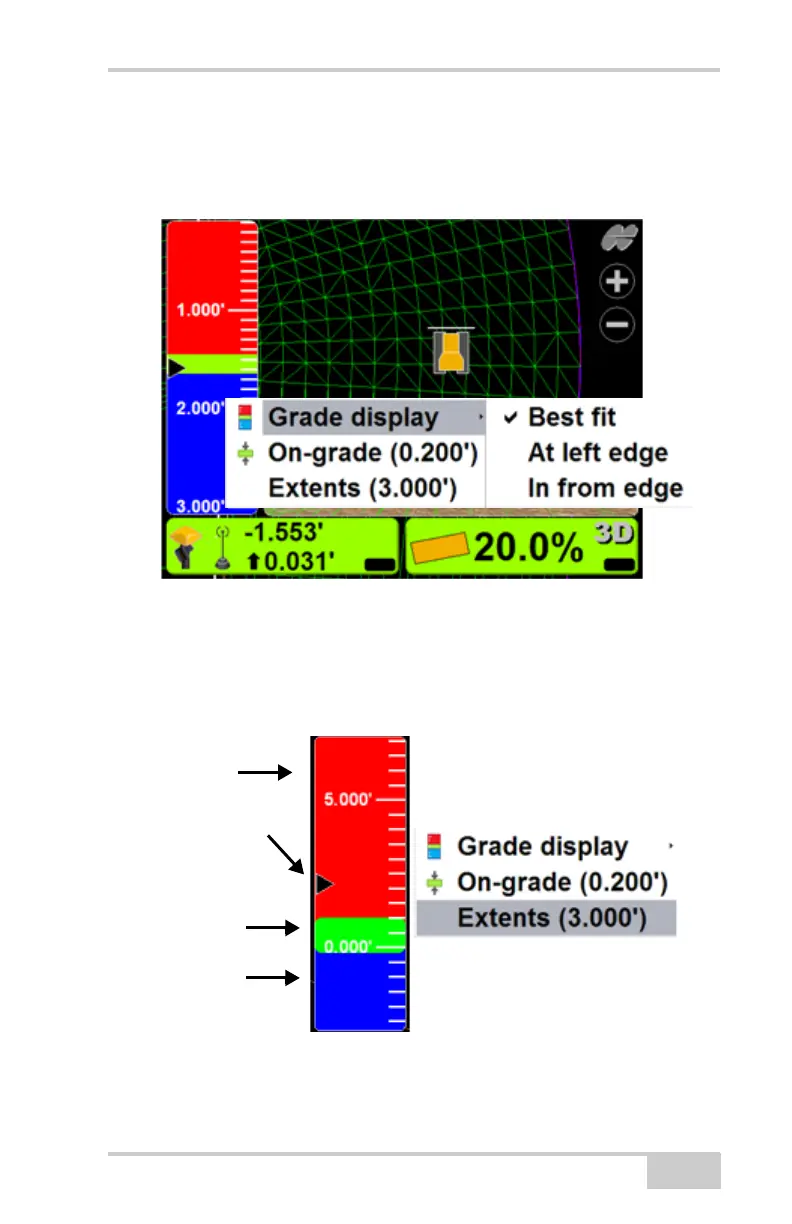
To change the grade display, press and hold the
grade indicator for one second, press Grade display,
then choose an option.
To change the on-grade or extents, press and
hold the grade indicator for one second, and then press
Extents or On-grade. Enter the new value into the
pop-up keyboard, and press Ok.
Red=Fill
Arrow = Position
of Cutting Edge
Green =
On-Grade
Blue = Cut



 To Next Page