Setup and Usage
3D-MC² Quick Reference Guide
1-78
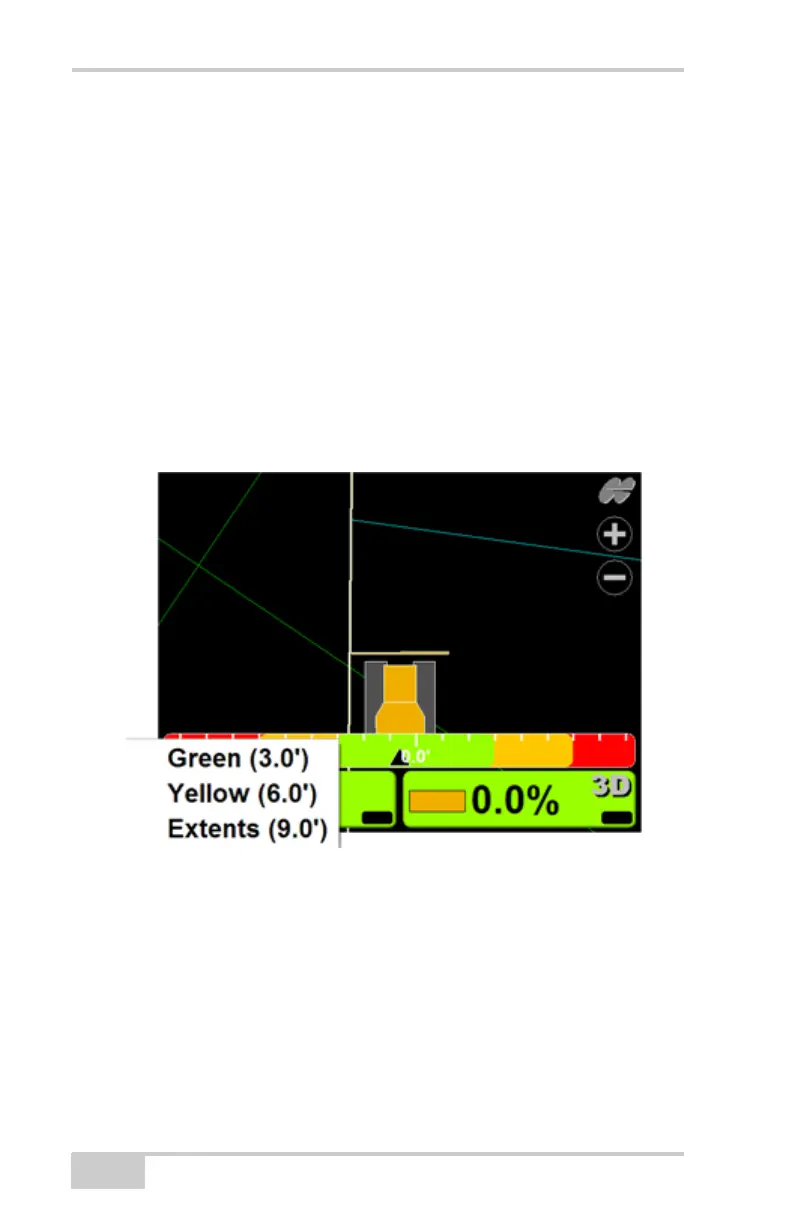
Changing the Lightbar Scale
and Extents
An alignment file must be active to display the lightbar
in the lower window view.
1. To view the lightbar, press Topcon
LogoViewLower windowLightbar.
2. Press and hold the lightbar scale for one second,
then press Green, Yellow, or Extents to change the
scale.



 To Next Page