CA-200F Corneal Analyser - Rev. 7 16/01/2012
FLUORESCEIN
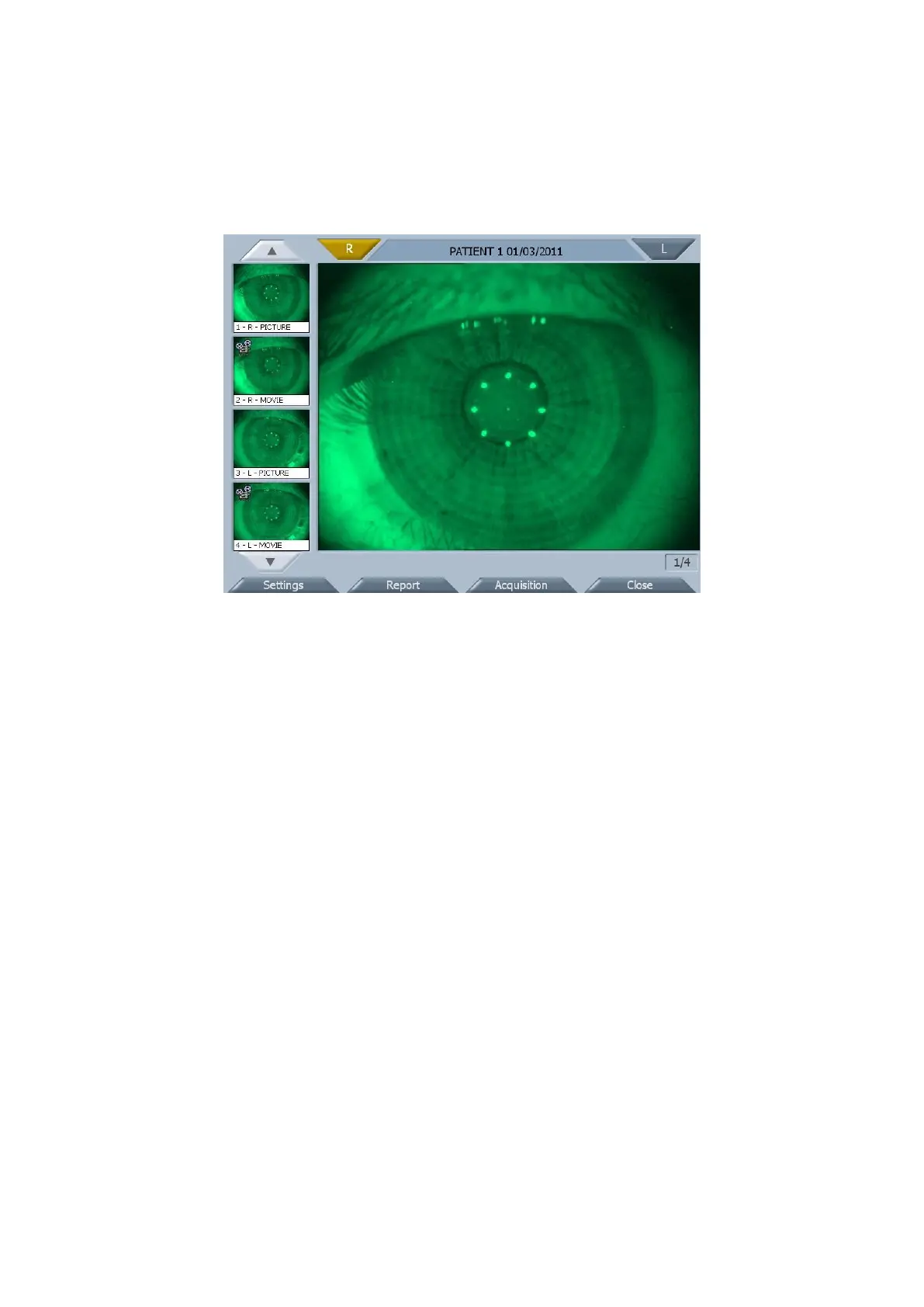
The fluorescein module (fig. 1-35) allows assessing the physical condition of the cornea and positioning and
dragging the contact lenses.
fig. 1-35
The pictures and movies acquired are viewable in the gallery.
When the fluorescein module is started, the first acquisition in the gallery is displayed in the main window.
Tapping on a picture, it is displayed in the main window.
Tapping on a movie, it automatically starts playing (fig. 1-36). Using the buttons below the main window you
can pause, stop or go forward and back by one frame.
Depending on the selection, the eye to which the picture or movie refers will be highlighted.
The two numbers at the bottom right indicate the number of the image displayed in the main window and the
total number of images in the gallery.



 To Next Page