CA-200F Corneal Analyser - Rev. 7 16/01/2012
LENSES
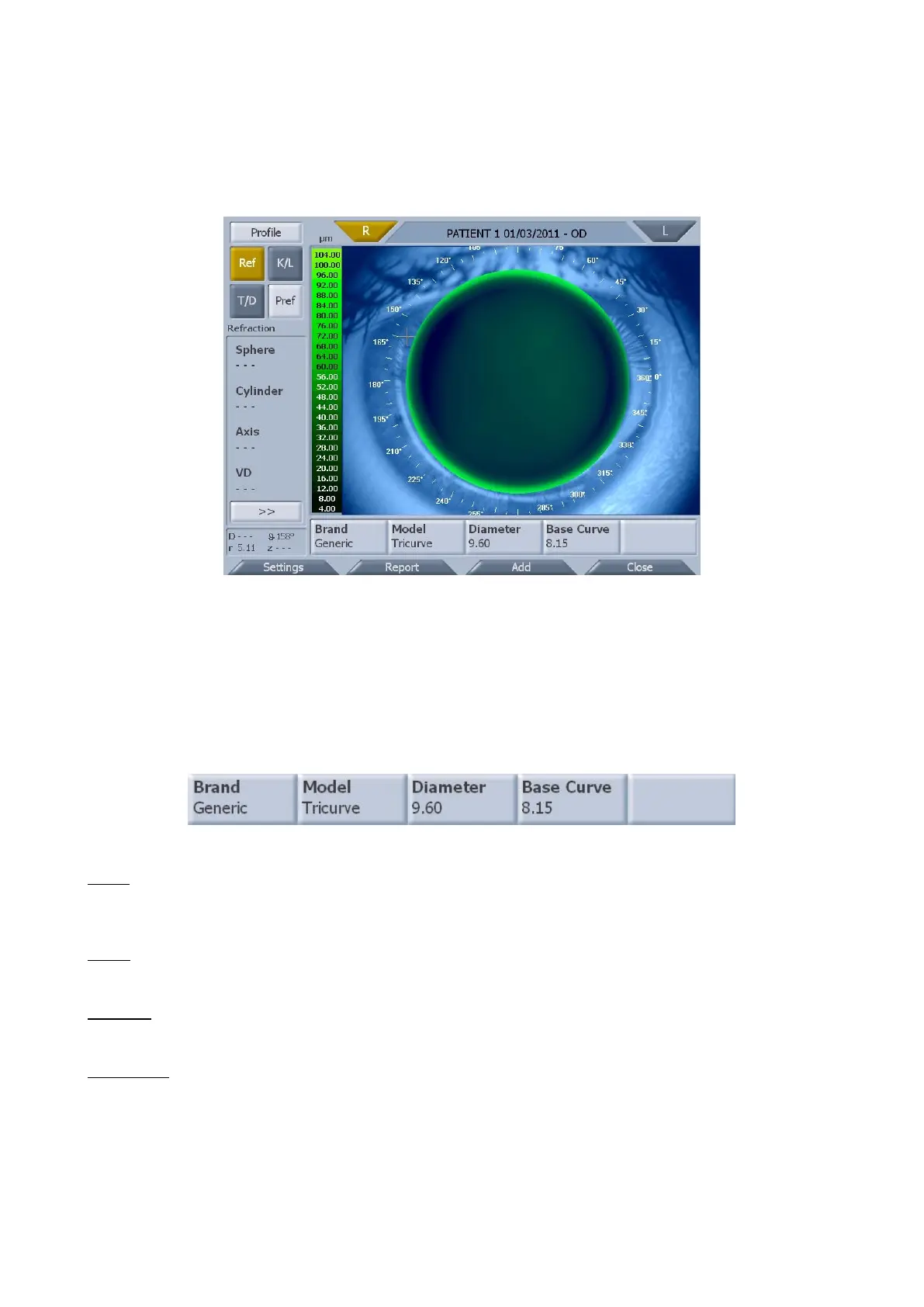
The lenses module (fig. 1-52) simulates contact lens positioning.
fig. 1-52
Tap on the "R" or "L" button to view the lens in the right or left eye.
Selecting a lens
You can select a lens from the database by tapping on the menu on the optical bar (fig. 1-53).
fig. 1-53
Brand
Press the "Brand” button to select a brand (fig. 1-54). The best lens in the manufacturer’s database is
automatically selected.
Model
Only the models of the brand selected will be shown (fig. 1-55).
Diameter
Select a diameter (fig. 1-56).
Base Curve
Select a base curve (fig. 1-57).



 To Next Page