CA-200F Corneal Analyser - Rev. 7 16/01/2012
The "Reset" button deletes all the lens preferences.
The "Close" button closes the window.
Functions
Settings
Opens the lens options window.
Report
Save the report as a PDF file to a USB unit or print it on a connected USB printer.
Add
Tap on "Add" to add the current lens to your preferences.
Close
Returns to the topographic map environment.
LENS SETTINGS
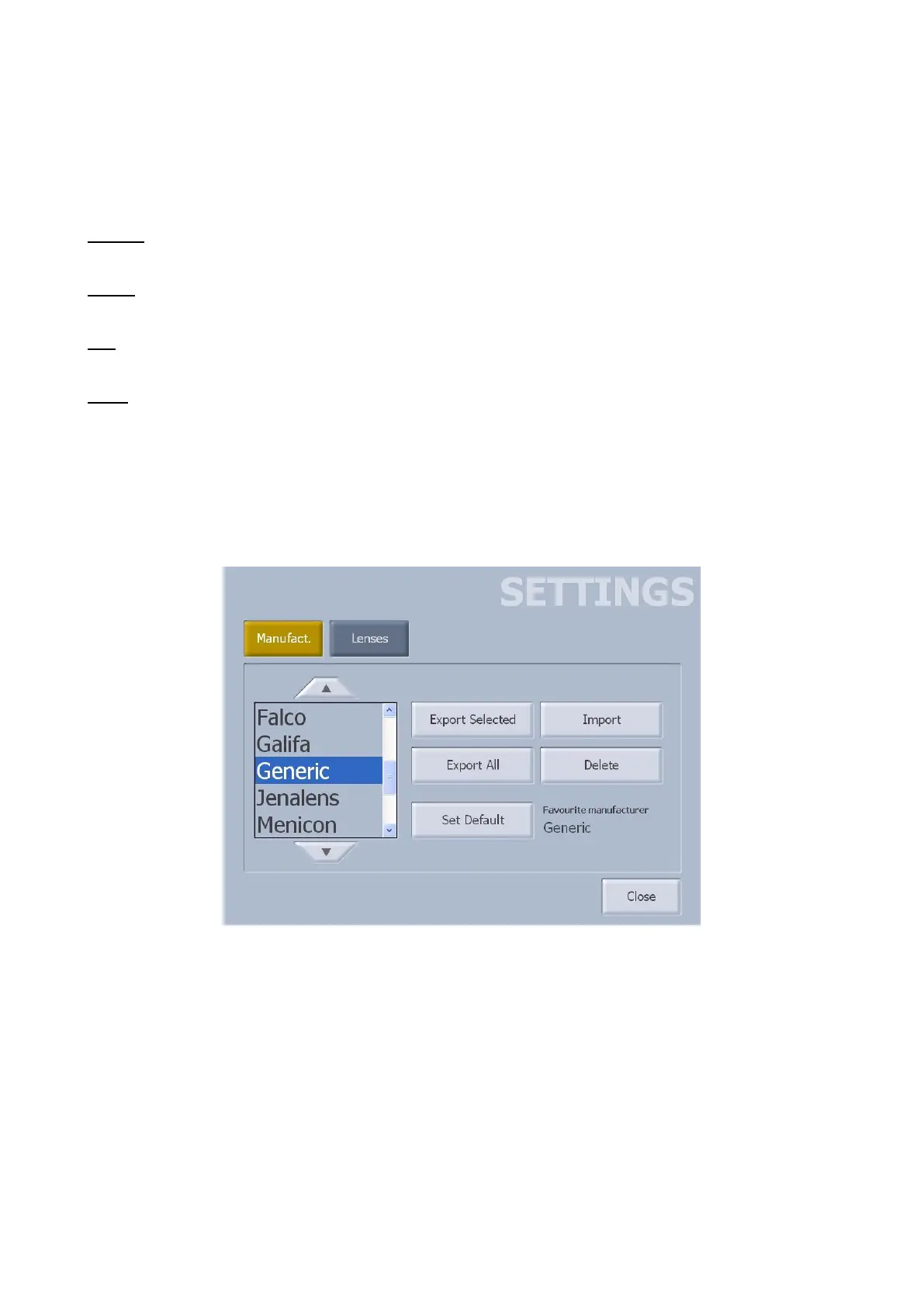
Manufacturers
fig. 1-66
Allows managing your own lens database. A brand list is displayed on the left-hand side (fig. 1-66).
Tap on the “Import” button to add new manufacturers to the database. You can import new manufacturers
using a USB pen-drive.
To export a particular lens brand, select it and press the "Export Selected" button. The data will be copied
to a USB pen-drive. In the same way, press "Export All" to export all the manufacturers.
Tap on the "Delete" button to delete a brand from the database
Select the desired brand and press "Set Default" to set automatic starting with these lenses.



 To Next Page