CA-200F Corneal Analyser - Rev. 7 16/01/2012
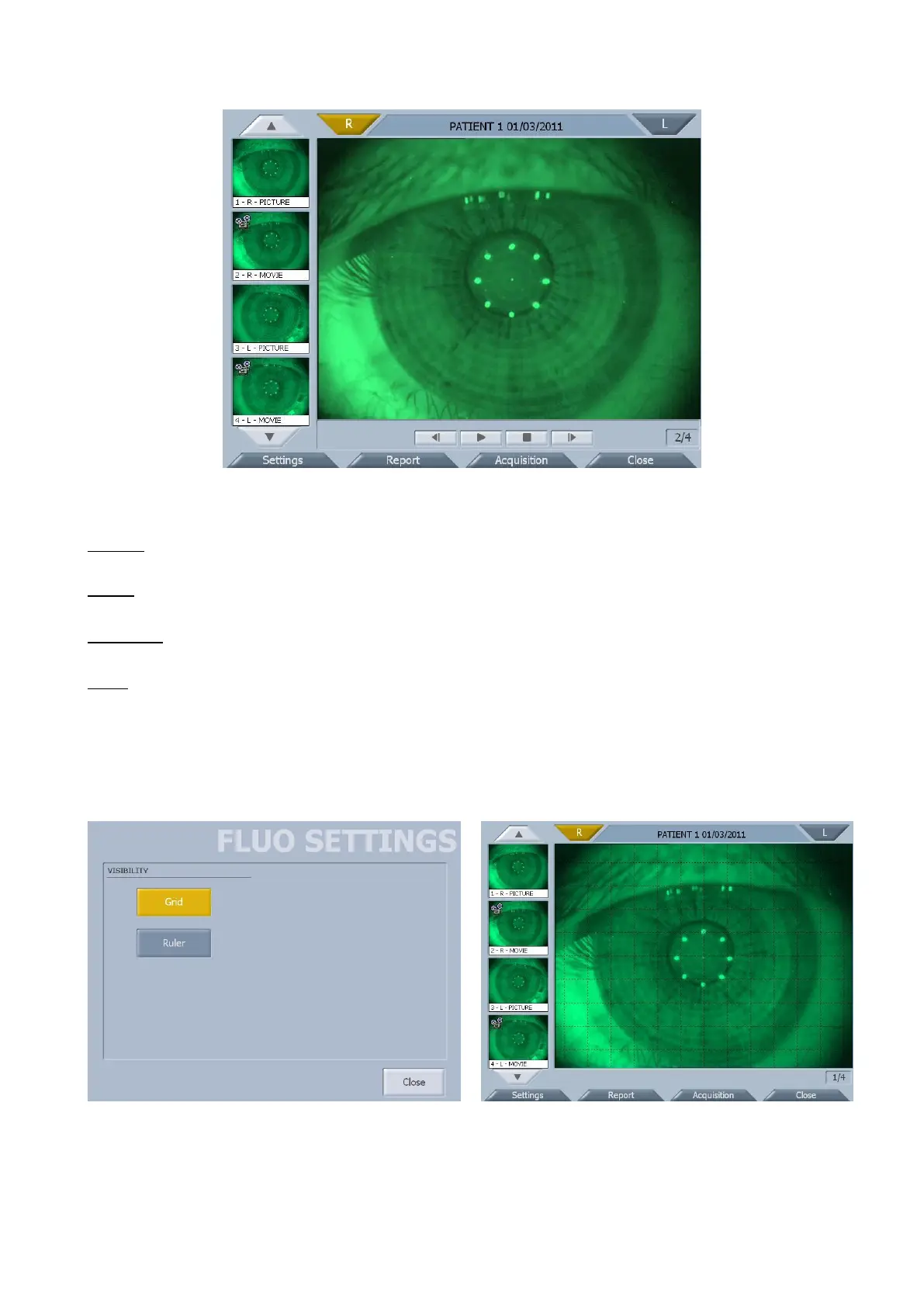
fig. 1-36
Functions
Settings
Opens the fluorescein options window.
Report
Save the report as a PDF file to a USB unit or print it on a connected USB printer.
Acquisition
Returns to the acquisition window.
Close
Tapping on the “Close” button, the system:
- returns to the topographic map environment if you have also acquired topographies in the same
session;
- returns to the acquisition environment in every other cases.
FLUORESCEIN SETTINGS
Press “Grid” and/or “Ruler” to show a grid and/or ruler on the images (fig. 1-37 e fig. 1-38).



 To Next Page