CA-200F Corneal Analyser - Rev. 7 16/01/2012
fig. 1-31
Acquisition
Tap on "Acquisition" to return to the acquisition window.
Modules
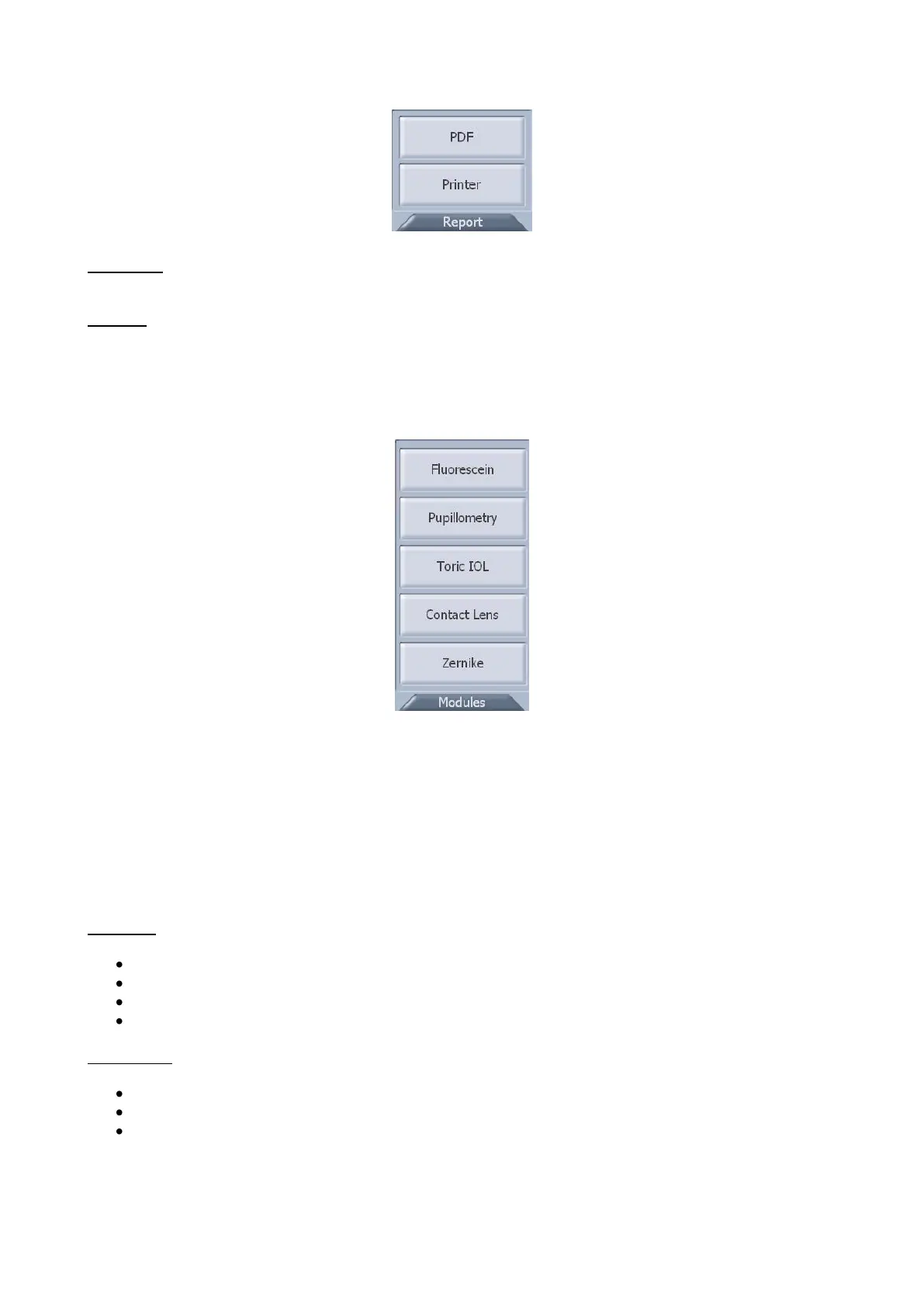
Press the "Modules" button to open the software modules (fig. 1-32):
- Fluorescein
- Pupillometry and Zernike (if active in the instrument)
- Contact Lens
- Toric IOL (if enabled)
fig. 1-32
TOPOGRAPHIC MAP SETTINGS
There are two sections for the topographic map settings (fig. 1-33 and fig. 1-34).
Map
Map draw
Select one or more options to customize map display with:
Meridians
3 Zones
Ruler
Grid
Keratometry
Select one of the keratometric indices:
Sim-K
Meridians
Emimeridians



 To Next Page