CA-200F Corneal Analyser - Rev. 7 16/01/2012
29
TOPOGRAPHIC MAP
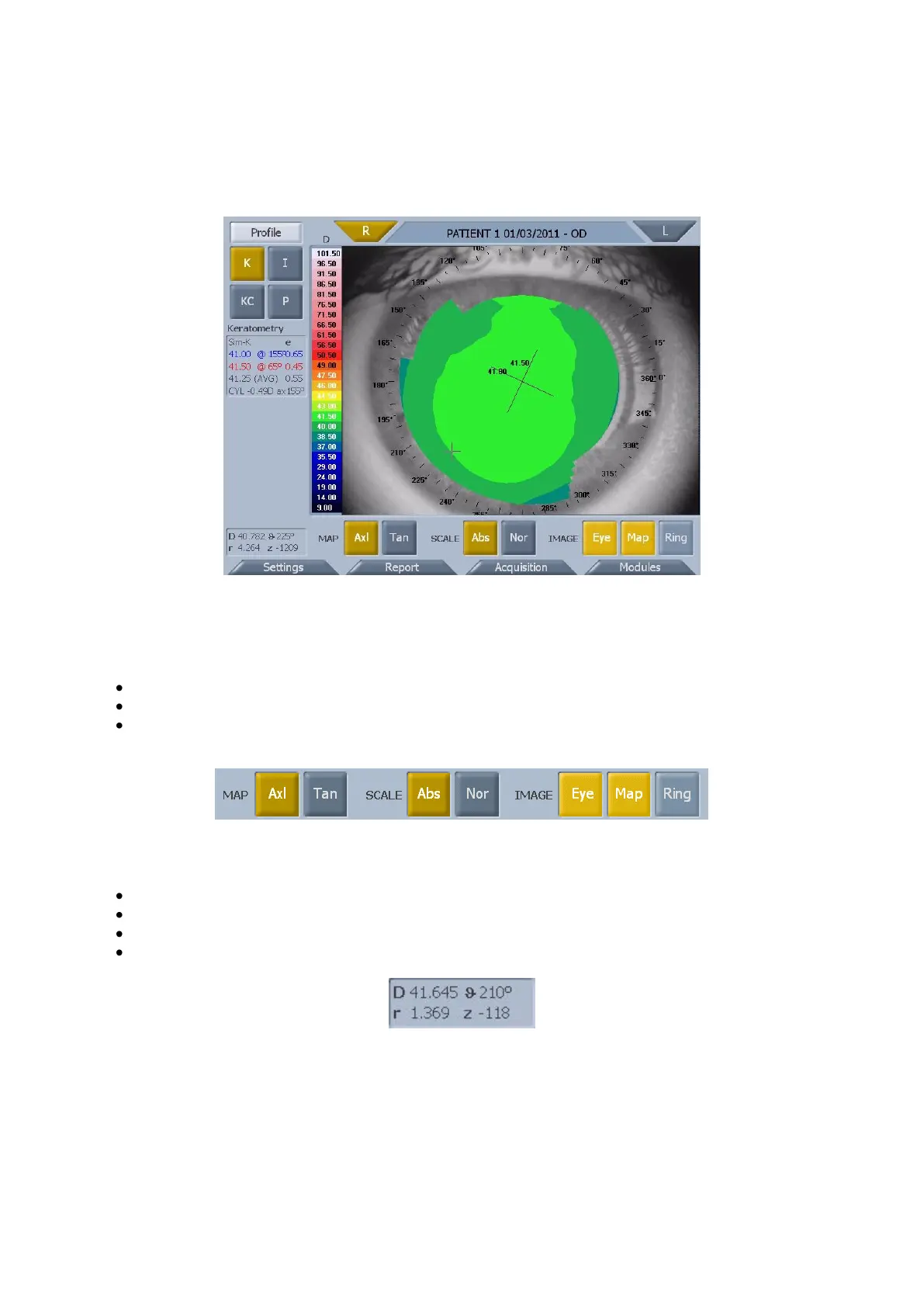
In the acquisition window press “Processing” to access the topographic map environment (fig. 1-21).
fig. 1-21
Tap on the “R” or “L” button to view the map of the right eye (R) or the left eye (L).
In the map window you can select the following buttons (fig. 1-22):
Axl or Tan: axial or tangential map
Abs or Nor: absolute or normalized scale
Eye, Map, Ring: to view the image of the eye, the map and the rings
fig. 1-22
Pressing on any point on the map the following information is displayed (fig. 1-23):
Diopters
Radius
Meridians
Altimetry
fig. 1-23



 To Next Page