CA-200F Corneal Analyser - Rev. 7 16/01/2012
28
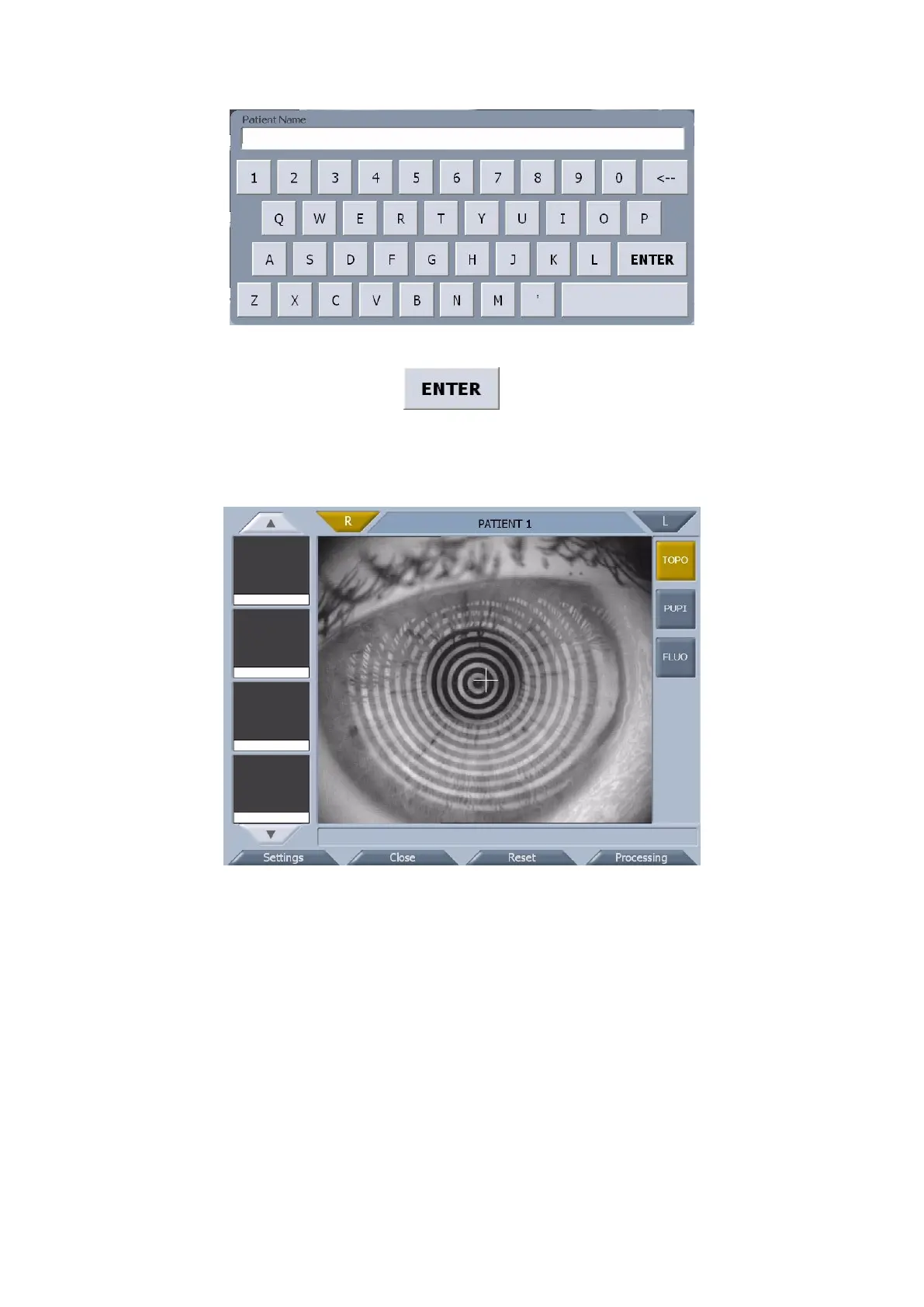
fig. 1-19
Insert the patient data and tap on the button to close the window. The “New Patient” button
changes to “Close” (fig. 1-20).
Tapping on “Close” the patient data and the gallery are deleted. The “Close” button changes back to “New
Patient“ and then you can insert a new patient.
fig. 1-20
All the other functions of the acquisition environment are the same functions available when the PC Link
module is active (see the paragraph above).



 To Next Page