CA-200F Corneal Analyser - Rev. 7 16/01/2012
MODULE UPDATE
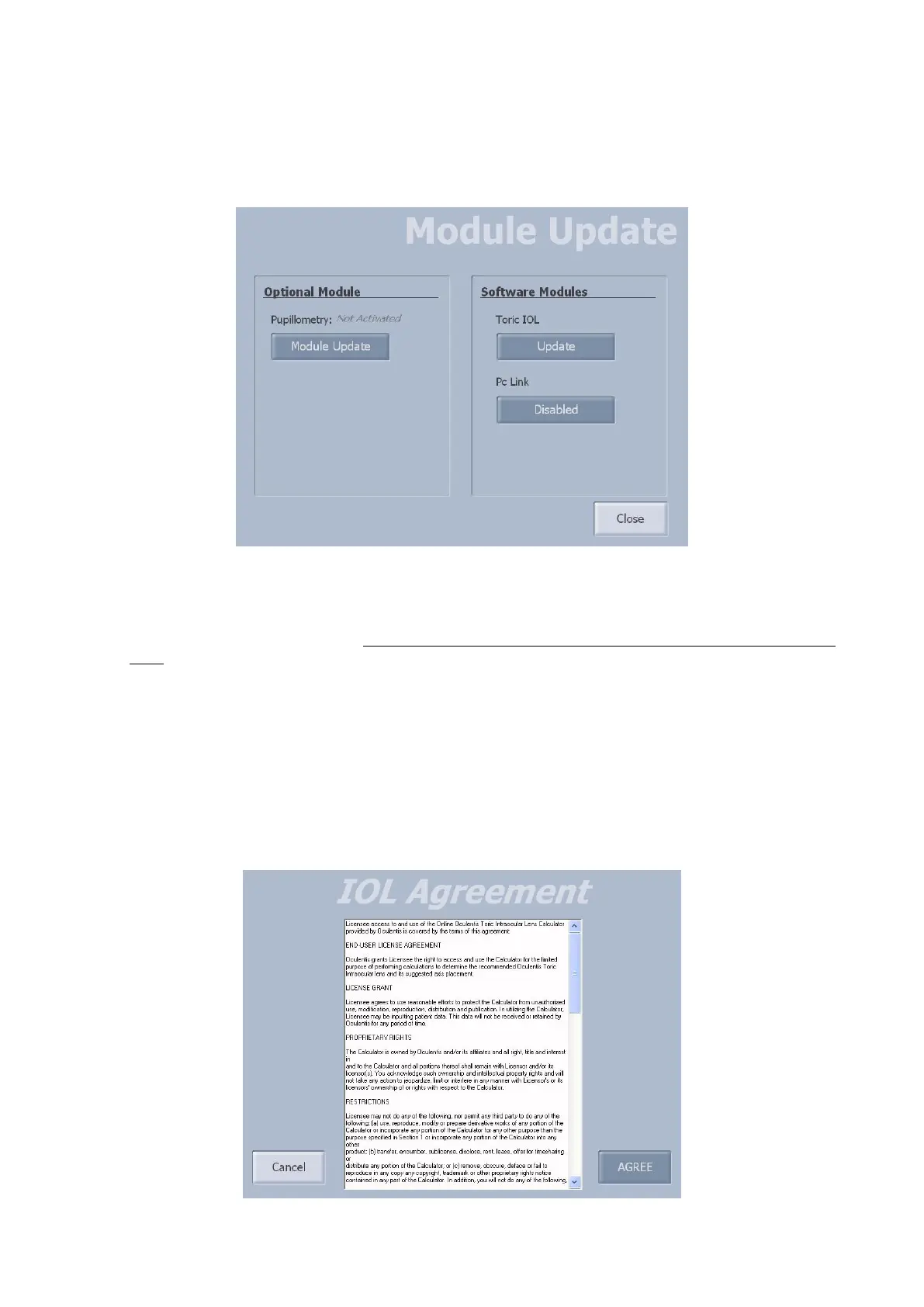
From the “Admin Tools” panel, tap on the "Module Update" button (fig. 1-78).
Here you will find the sections for activation of the optional and software modules.
fig. 1-78
Optional Module
To activate the optional modules, carry out the following operations:
- Decompress the update package in the root (main folder) of an empty and FAT32 formatted USB pen-
drive
- Press the “Module Update” button
Software Modules
The Toric IOL and PC Link modules are software modules that need to be activated.
For the Toric IOL module, when tapping on the "Update" button, the license agreement is displayed (fig.
1-79). Tap on “AGREE” to confirm and use the IOL software on your own responsibility.
For the PC Link module, tap on the “Disabled” button: the module will be activated when the program is
restarted.
fig. 1-79



 To Next Page