CA-200F Corneal Analyser - Rev. 7 16/01/2012
Terminate
Press "Terminate" to close the CA-200F application and return to the Windows desktop.
Network Settings
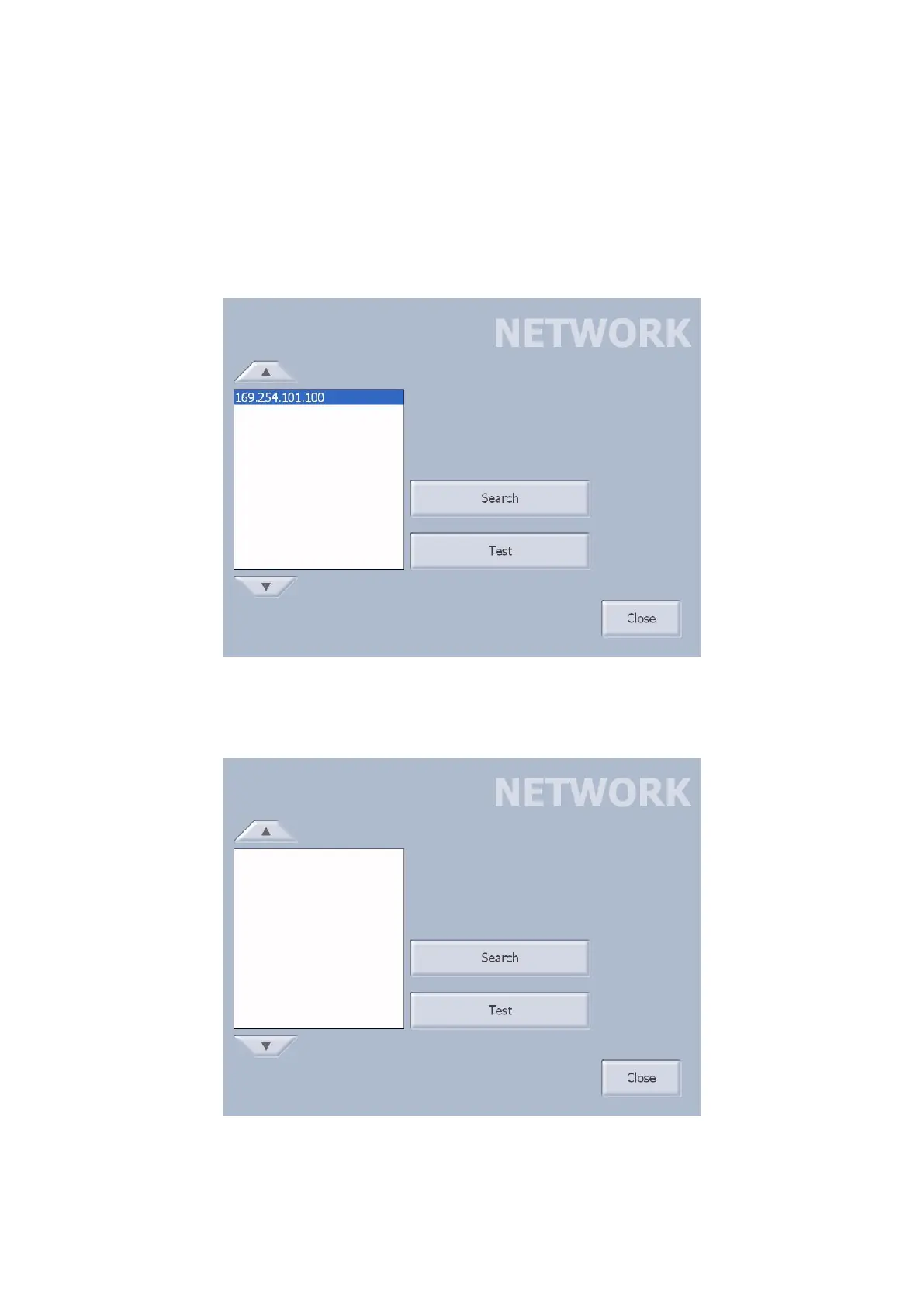
Press “Network Settings” (fig. 1-76).
Use the “Search” button to start the search for the IP address for connection to the PC.
Use the “Test” button to test the network to check that the connection has been established.
fig. 1-76
If there are no known clients in the search list, tapping on the “DB List” button, the network settings panel
will be open (fig. 1-77).
fig. 1-77
Press “Search” and “Test” to find and test the IP address for connection to the PC.
Tap on “Close” to return to the Patient Details window; the dialogue window with the PC to search for the
patient list will automatically be started.



 To Next Page