CA-200F Corneal Analyser - Rev. 7 16/01/2012
27
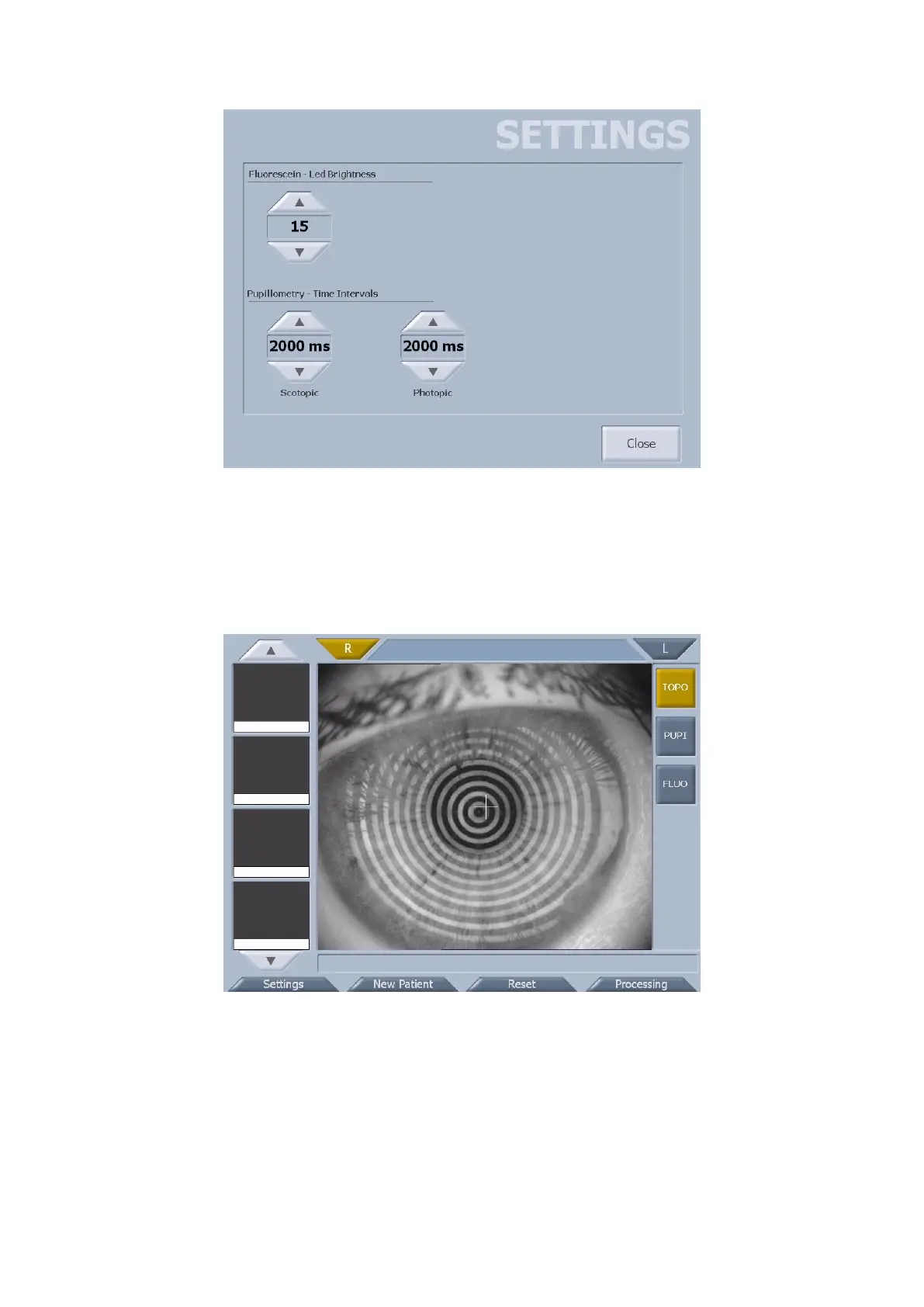
fig. 1-17
ACQUISITION IN STAND-ALONE MODE
To use the instrument in stand-alone mode, the PC Link software module must be deactivated.
The acquisition environment is as shown in fig. 1-18.
fig. 1-18
Tapping on the “New Patient” button, a window opens where you can insert the patient details (fig. 1-19).



 To Next Page