CA-200F Corneal Analyser - Rev. 7 16/01/2012
30
Profile
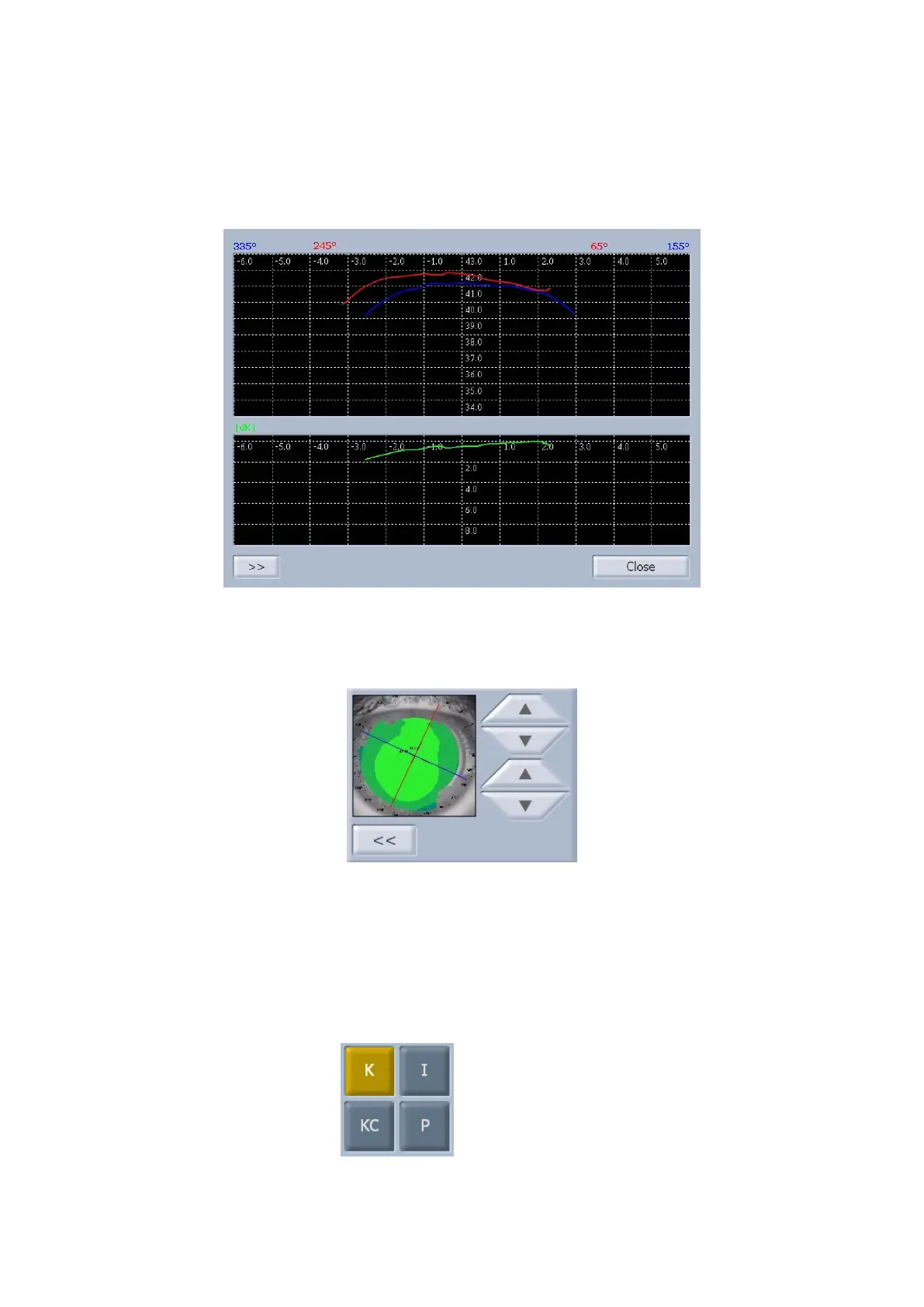
Press the "Profile" button to view the curvature profile along the most curved and the flattest meridian (red
and blue).
The difference is shown in green (fig. 1-24).
fig. 1-24
Tap on the “>>” button to open the panel (fig. 1-25) where you can select (with the arrow buttons) other
meridians along which to view the curvature profile.
fig. 1-25
Select the "<<" button to close the panel and update the profiles viewed.
Press the "Close" button to close the profile panel.
Indices
The diagnostic indices can be selected from the following buttons (fig. 1-26)
K: Keratometry
I: Keratorefractive indices
KC:Keratoconus
P: Pupil



 To Next Page