CA-200F Corneal Analyser - Rev. 7 16/01/2012
Profile
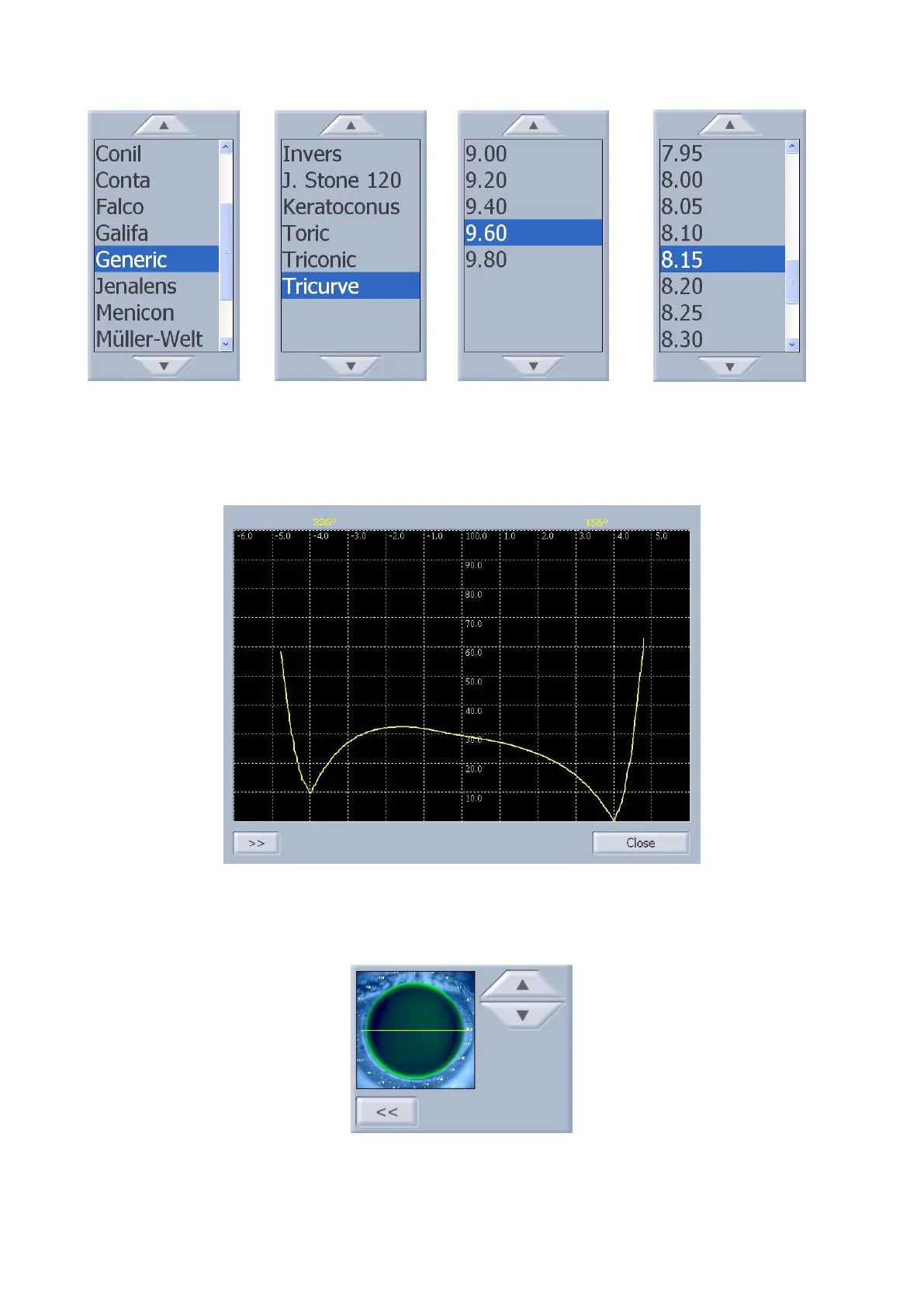
Tap on the "Profile" button to view the lachrymal film profile under the lens selected (fig. 1-58).
fig. 1-58
Tap on the “>>” button to open the panel (fig. 1-59) where you can select (with the arrow buttons) other
meridians along which to view the lachrymal film profile.
fig. 1-59
Select the "<<" button to close the panel and update the profiles viewed.
Press the "Close" button to close the profile.



 To Next Page