CA-200F Corneal Analyser - Rev. 7 16/01/2012
Lens indices and options
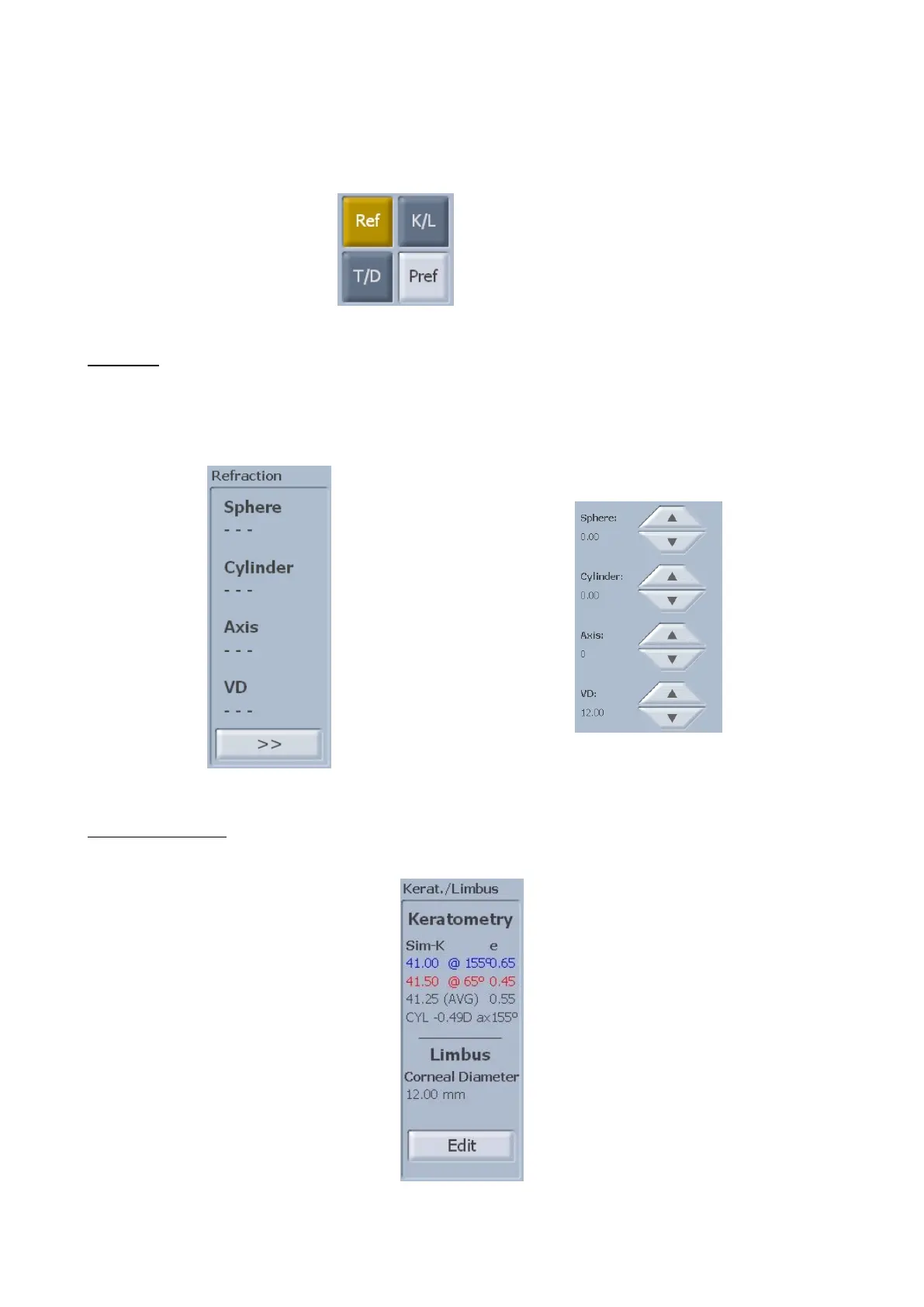
You can select the following buttons (fig. 1-60)
Ref: Refraction
K/L:Keratometry/Limbus
T/D:Tilt/Decentration
Pref: Lens preferences
Refraction
Shows the refraction values (fig. 1-61).
Tap on “>>” to set the refraction values (fig. 1-62). Use the arrow buttons to set the individual values. Select
the "<<" button to close the panel and apply the refraction values.
Keratometry/Limbus
Shows the keratometric indices and the corneal diameter (fig. 1-63). Press “Edit” to change the iris outline.
fig. 1-63



 To Next Page