Ch 1 Getting Started 7
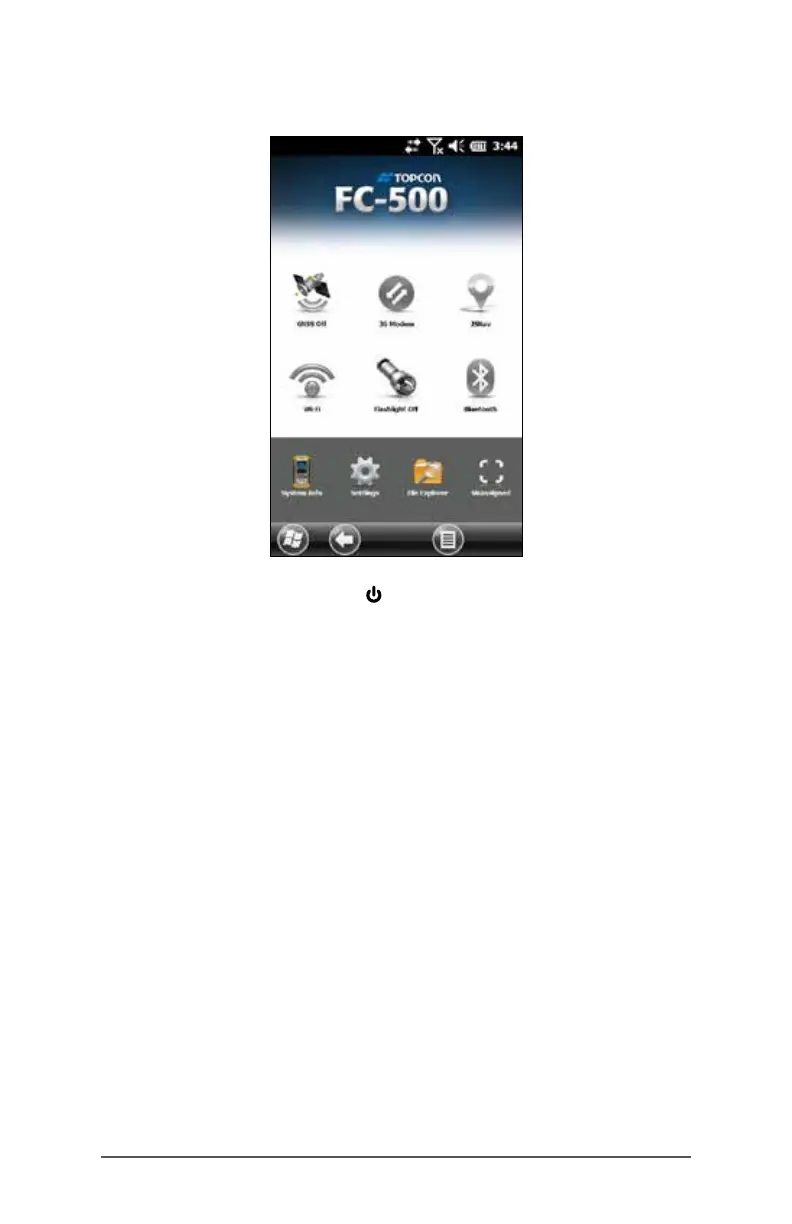
The Home screen appears (layout varies by model).
4. Press the power button to suspend the handheld.
Charge the battery pack at room temperature (68°
F or 20° C) for 4 to 5 hours. While the battery pack is
charging, the red LED blinks. When it is fully charged, the
red LED is solid.
Install the Operating System in Other Languages
The operating system is provided in English by default. It is
also available in other languages. You can download the
operating system from www.TopconTotalCare.com.



 To Next Page