Ch 1 Getting Started 9
Navigating Around Your FC-500
Using Gestures and Making Selections
The Windows
®
Embedded Handheld operating system
enhances the ability of the handheld to recognize touch
gestures, making it easy to use a nger to navigate. Use of
the capacitive stylus is an option. The keypad buttons can
also be used.
Navigation options vary depending on the screen you are
viewing. Here is a partial list of options:
Vertical and Horizontal Movement
Flick up, down or sideways on the touchscreen.
For more precise positioning, touch, hold, and move the
screen up or down.
Use the scroll bar if it is available.
Use the up down right and left arrows on the
keypad to move around on a screen.
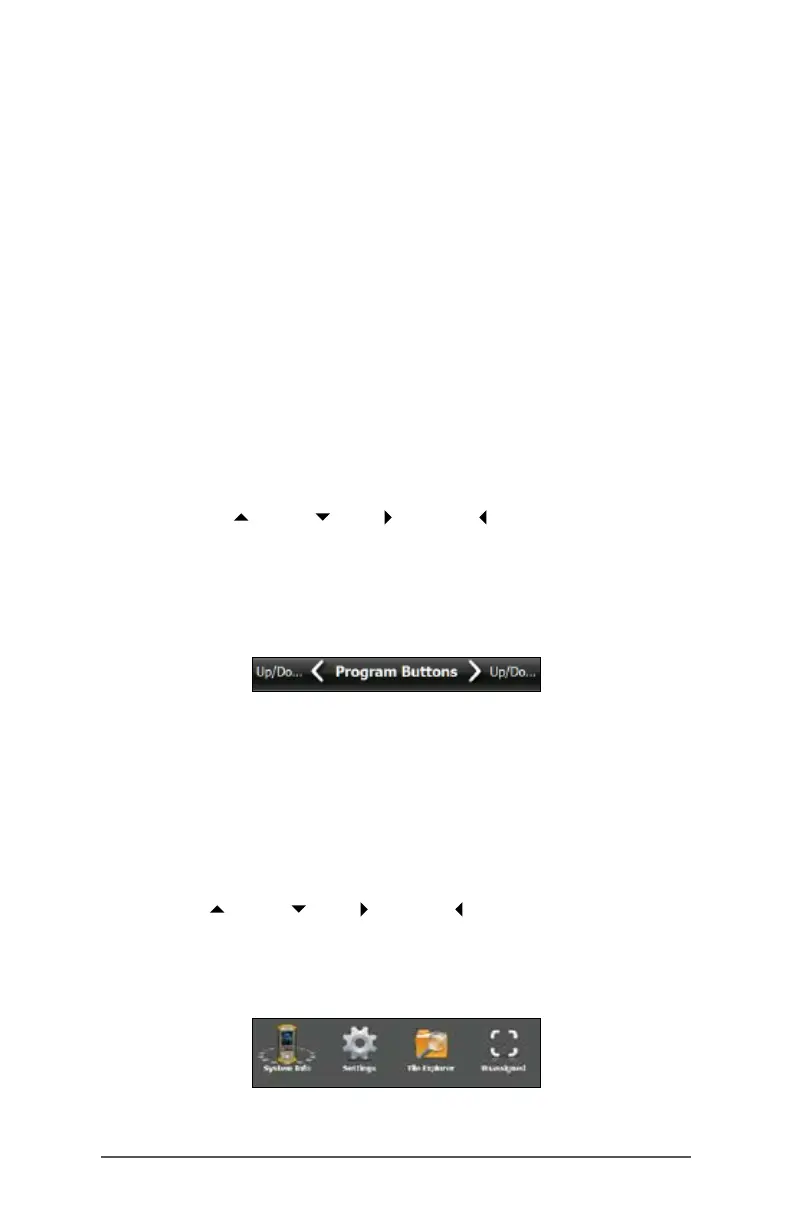
A horizontal scrolling menu is located on control panel
screens near the top. Press the left or right arrow keys to
scroll through the topics. (This feature replaces tabs.)
Make a Selection
Using the Touchscreen
Press or tap the function gadget or application icon you
want to select, turn on, activate, or turn off.
Press and hold a function gadget to bring up a control
panel, menu, or list.
Using the Keypad
Use the up down right and left keys arrow on the
keypad to select (highlight) a gadget or icon on the screen.
A ring appears around the selection. System Info has been
selected below:



 To Next Page