Ch 4 Bluetooth Wireless Communication 45
If the Bluetooth gadget is not on your Home screen, you
can get to the desired control panel by selecting Getting
Started and either Set up a Bluetooth device or Set up a
Bluetooth COM Port. You can also press Start > Settings >
Connections.
Note: If the Bluetooth radio is turned on and then the
handheld is suspended, wireless Bluetooth turns off to save
battery power. When the FC-500 resumes (turns on), the
radio turns on automatically.
Bluetooth Control Panel
To create a partnership with and connect to other
Bluetooth devices, such as such as headphones, keyboards,
and modems, follow these steps:
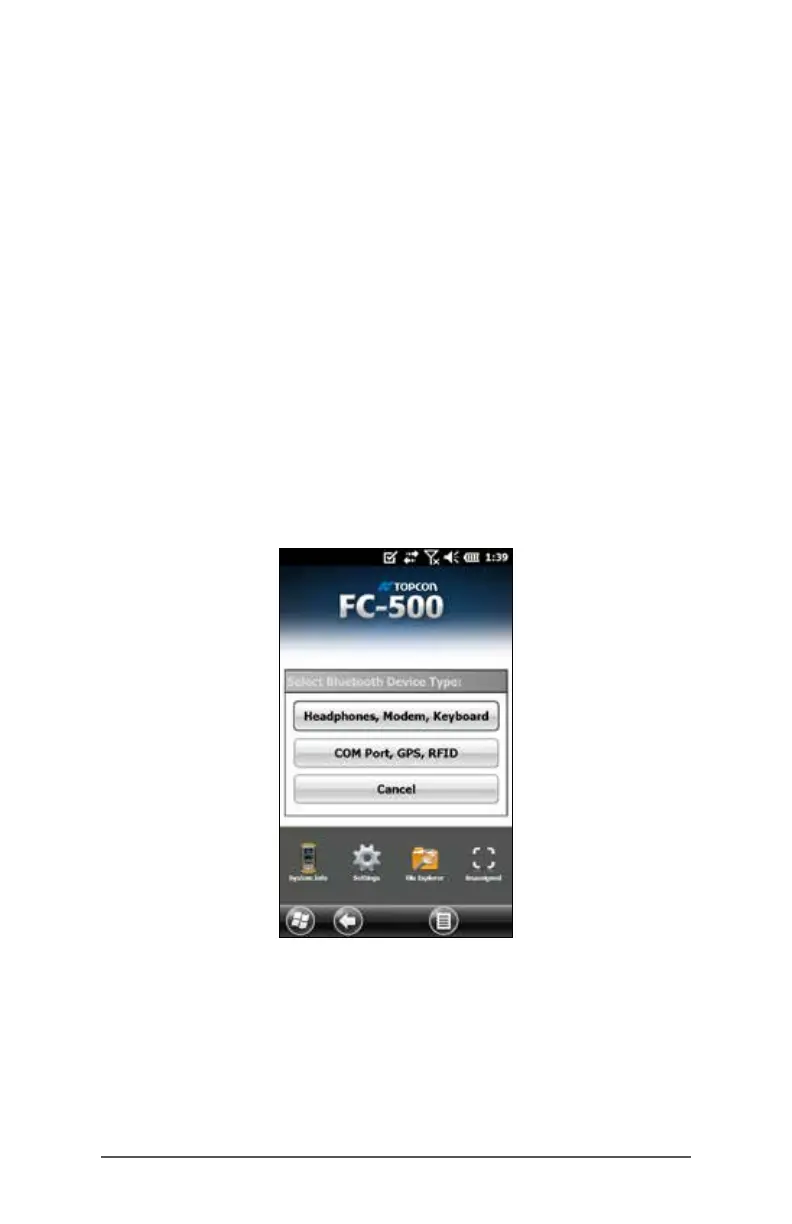
1. Tap-hold the Bluetooth icon to bring up the dialog box
shown below.



 To Next Page