24 FC-500 Handheld Field Controller Owner’s Manual
Flashlight
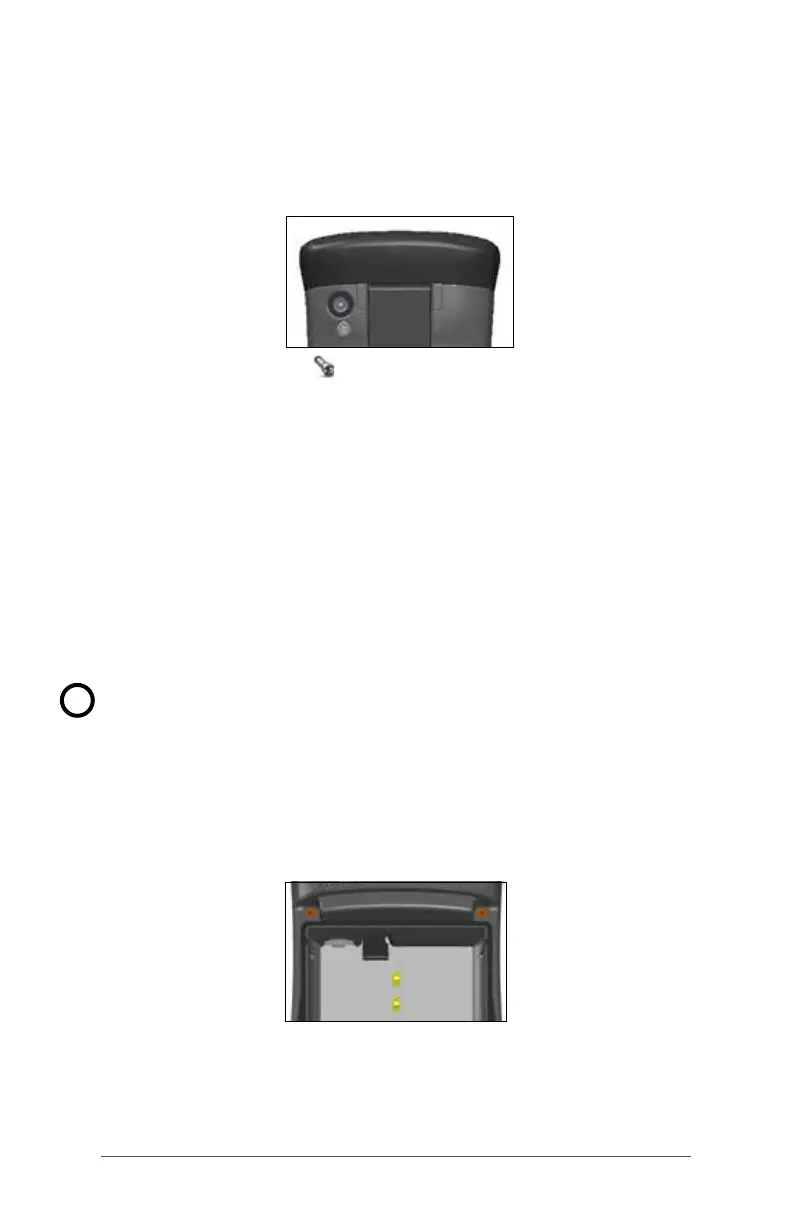
Geo units have a ashlight located underneath the camera
window in the back of the FC-500. This is also the camera
ash.
The ashlight gadget must be on the Home screen in
order to use it. Tap on the icon once to turn on the brightest
illumination. Tap the gadget again for medium brightness,
and a third time to turn it off.
SD Cards
The FC-500 has a slot for a micro SD card located in the
battery compartment. To insert or remove a card follow
these steps:
1. Power off the handheld.
2. Loosen the screws to the battery compartment, and
remove the door. The hand strap remains attached.
CAUTION: The FC-500 is not sealed against water and
dust when the battery door is not installed properly.
3. Remove the battery pack.
4. An image on the battery compartment label shows the
correct location and orientation for the SD card (slot
on the right). Push the card into the slot to insert it. To
remove the SD card, pull it out.
5. Replace the battery pack, and attach the battery door.
6. Power up the handheld.
!



 To Next Page