76 FC-500 Handheld Field Controller Owner’s Manual
Set up the Cell Modem
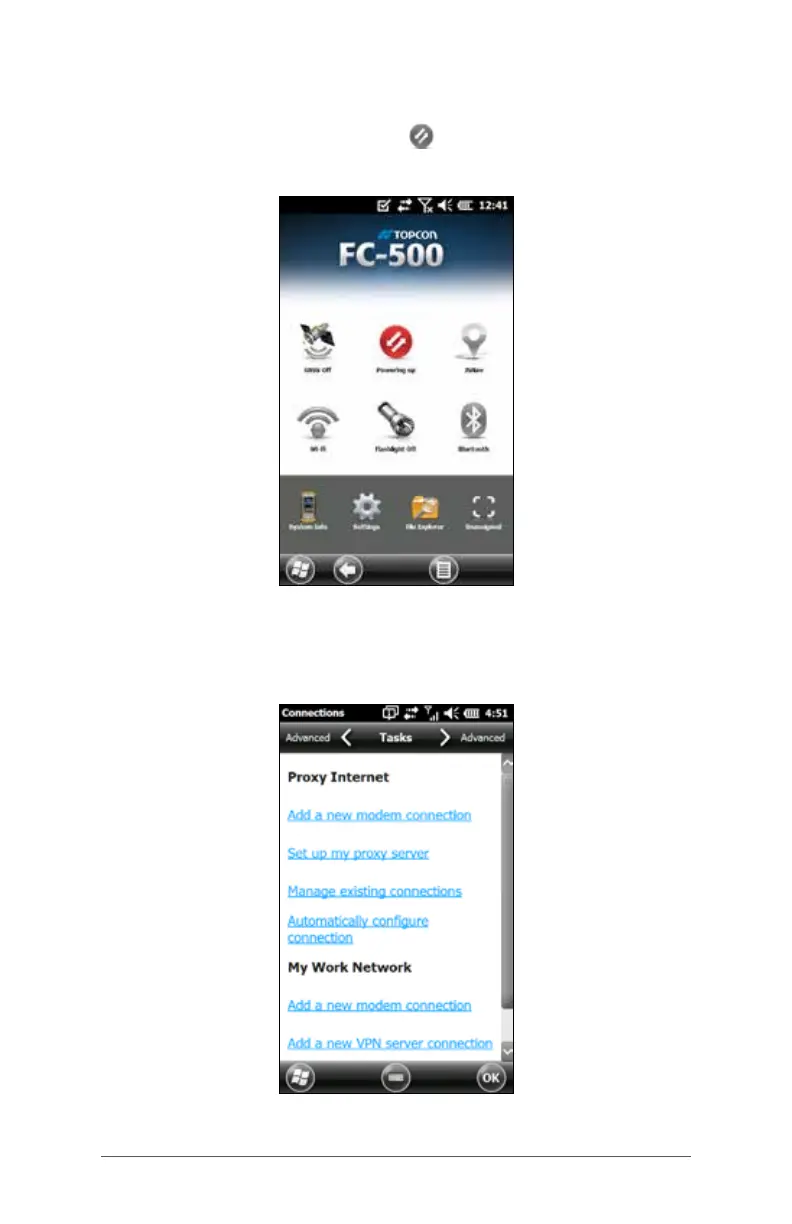
Tap on the 3G modem gadget . After about 30 seconds it
turns green, indicating that the modem is available.
Once the modem is available, congure it to make a
connection. Tap and hold the modem gadget to open the
Connections control panel.



 To Next Page