Ch 7 Camera 71
Press the camera button to start recording a video. Press
it again to end the video.
Note: To take photos instead of videos, press Menu and
select Still (see previous screen).
Audio
You can record sound with videos. From the Pictures &
Videos application screen, tap Menu > Video > Menu >
Options. From the Video screen, tap Include audio when
recording video les to turn audio on.
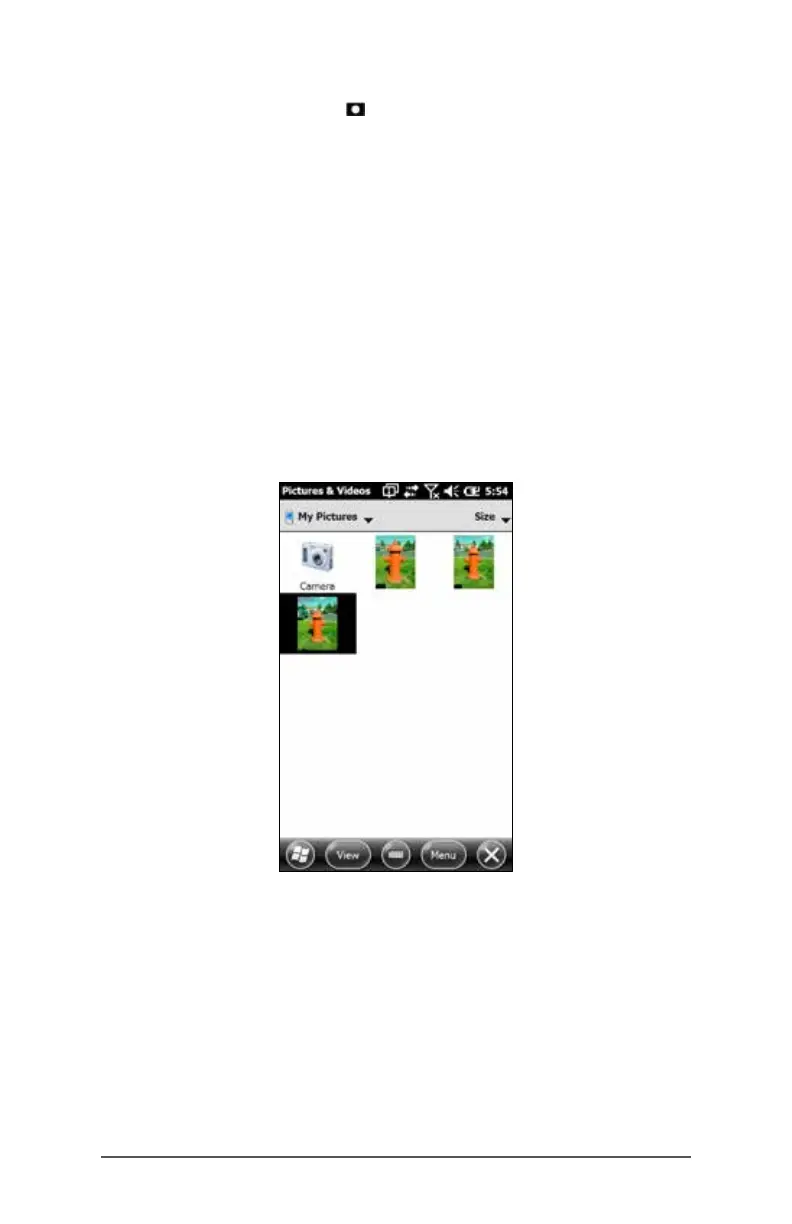
Photo and Video Library
To view your photo and video library select the Thumbnails
soft key from the Pictures and Videos application screen.



 To Next Page