Ch 6 GPS/GNSS 57
JSNav Application
JSNav is a GPS/GNSS application that lets you easily collect
waypoint or track data.
Note: Calibrate the compass and accelerometer before
you use JSNav. Refer to Chapter 3, Programs and Settings,
Compass and Accelerometer Calibration.
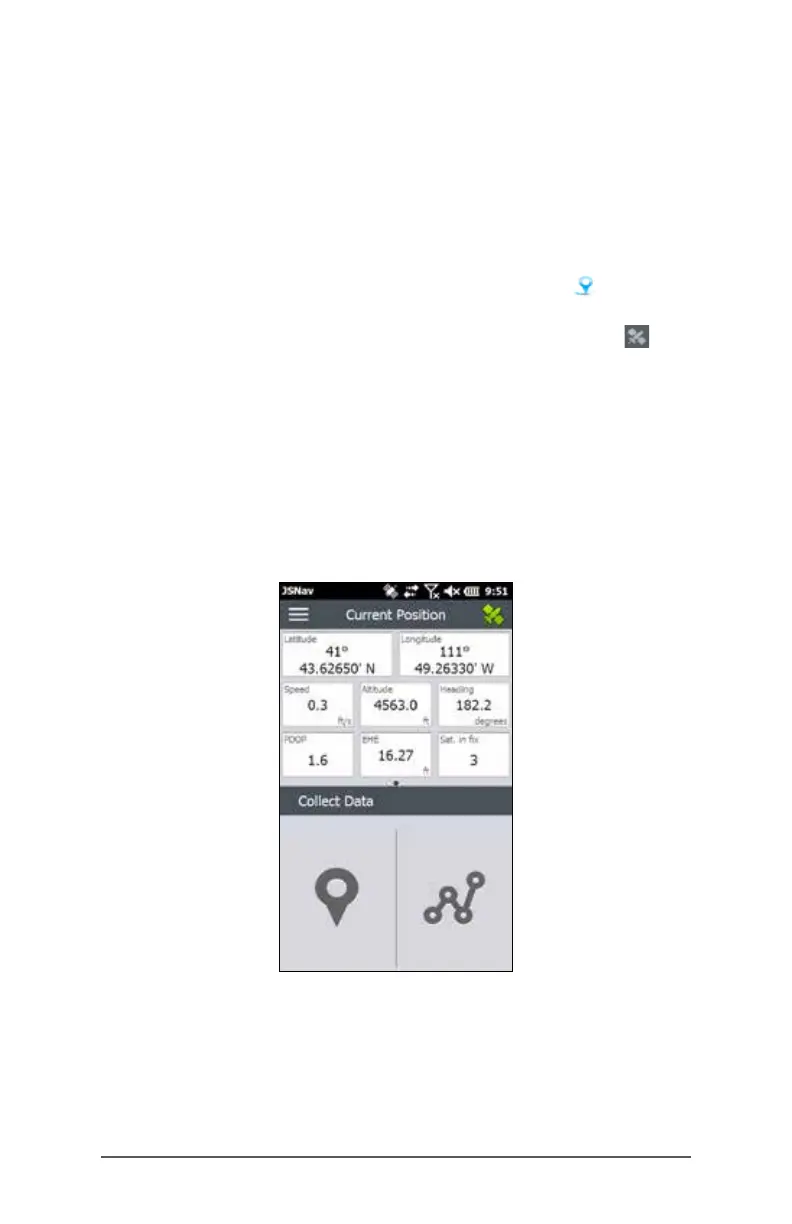
From the Home screen tap on the JSNav gadget . A splash
screen appears while the application opens, and then the
main JSNav screen appears. Tap on the satellite icon in
the upper right corner to turn GPS/GNSS on or off. (A gray
icon means GPS/GNSS is not connected, red means there is
no x, yellow means a 2D x, and green means a 3D x.)
Once there is a x (this may take a few minutes) information
about the current position is given as well as PDOP (position
dilution of precision), EHE (estimated horizontal error), and the
number of satellites used for a x. The bottom portion of the
screen is used to collect waypoint or track data.



 To Next Page