Ch 8 3G Data Modem 75
3. Remove the battery pack.
CAUTION: The FC-500 is not sealed against water and
dust when the battery door is not installed.
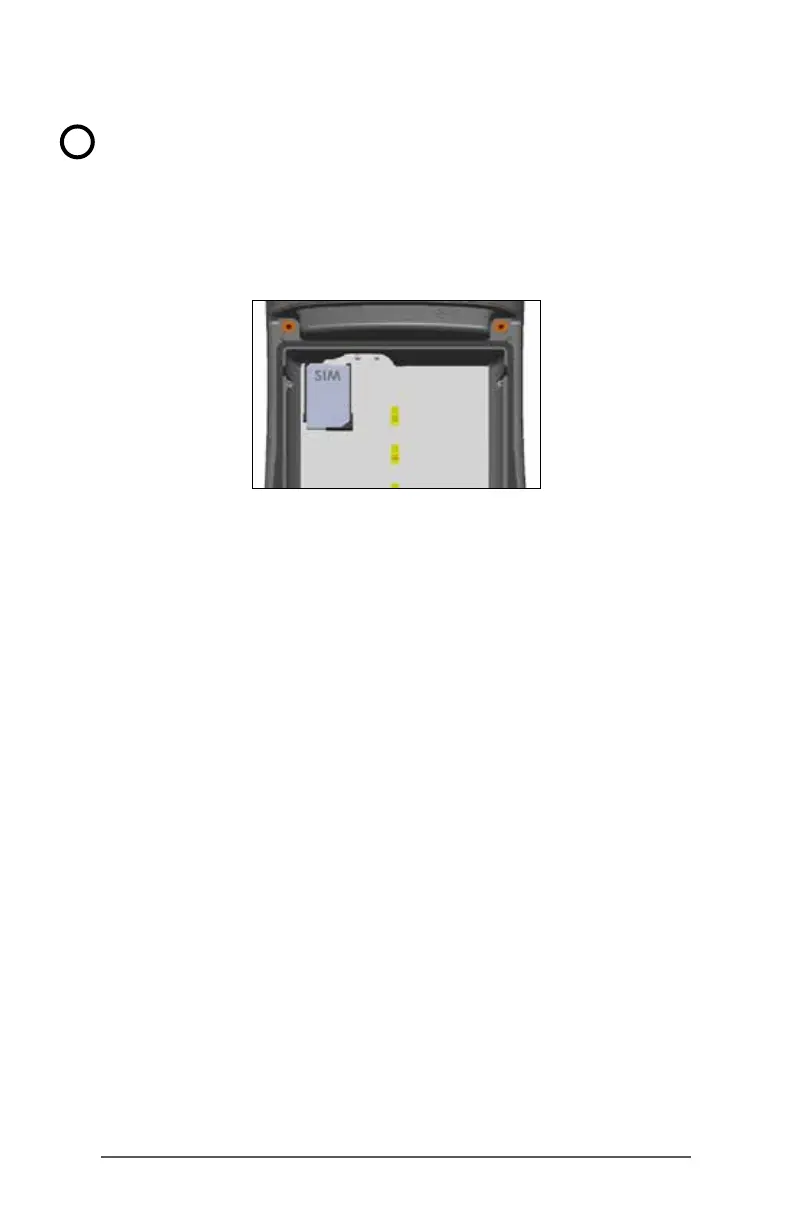
4. An image on the battery compartment label shows the
correct location and orientation for the SIM card. Pull
out the SIM card tray. Place the card onto the tray and
push the tray in until it catches.
To remove the SIM card, pull the tray open and remove
the card. Push the empty tray in until it catches.
5. Replace the battery pack, and attach the battery door.
6. Power on the FC-500.
Note: If the modem was on before shutting the FC-
500 down to insert the SIM card, you are prompted to
congure the data connection when you reboot. See
the instructions on the following pages.
!



 To Next Page