10 FC-500 Handheld Field Controller Owner’s Manual
Perform the selected action by pressing the enter button.
For dashboard gadgets like Wi-Fi, one press of the enter
button shows you which icon is selected, a second press
performs the action, and a third press turns the action off.
For application icons on the Start screen or in favorites,
continue to use the return button until you get to the screen
or menu you want.
Updates to the Operating System and Documents
Updates to the operating system and technical documents
are located on our website at www.TopconTotalCare.com.
View System Information for Your FC-500
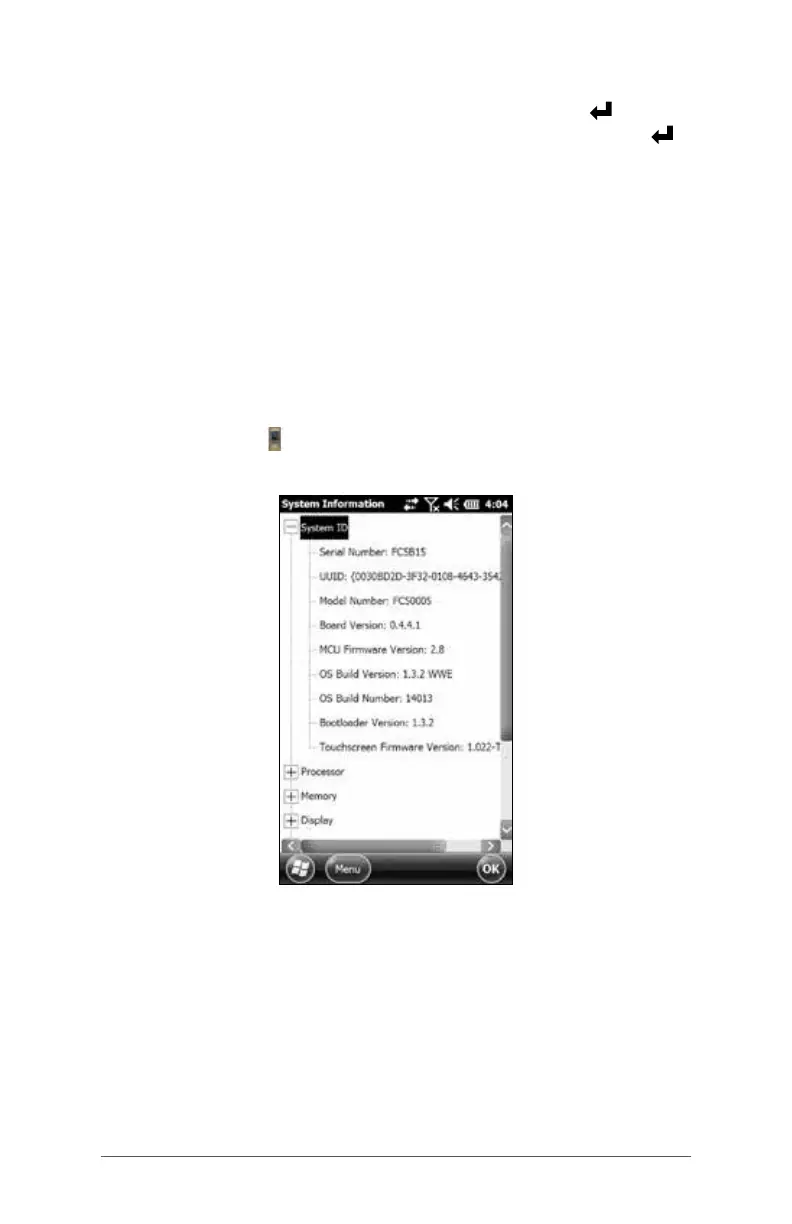
To view your operating system version number, press the
System Info icon on the Home screen or go to Start >
Settings > System > System Information. Expand System ID.
Compare version numbers to see if your operating system is
current.
Owner’s Manual and Quick Start Guide Versions
Compare part numbers to see if you have the most recent
version of the Owner’s Manual and Quick Start Guide.



 To Next Page