Ch 2 Hardware Components 13
Programmable Function
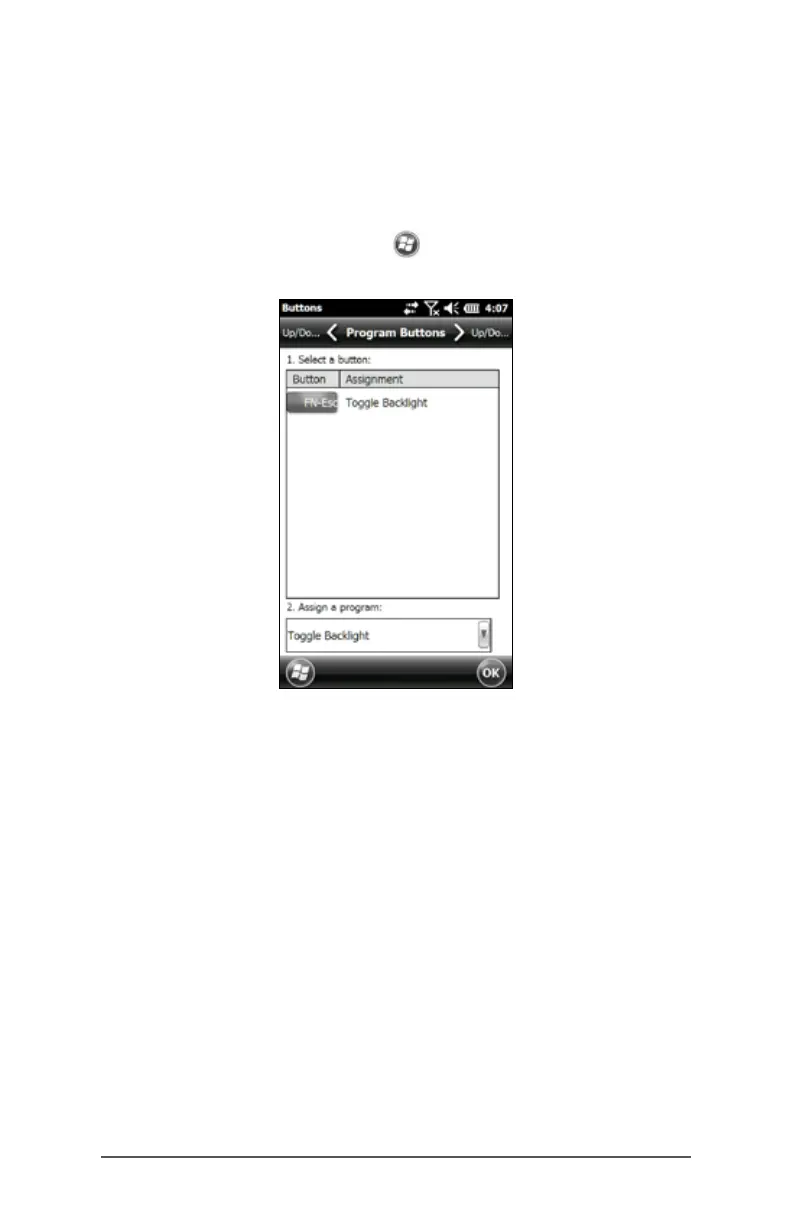
The FN-ESC function is programmable.
1. To bring up the Program Buttons control panel, select
the Settings icon on the Home screen, and then
Personal > Buttons. You can also go to the Start screen
by selecting the Windows soft key and then select
Settings > Personal > Buttons.
2. Select the FN-Esc function.



 To Next Page