Ch 2 Hardware Components 15
Keypad Backlight
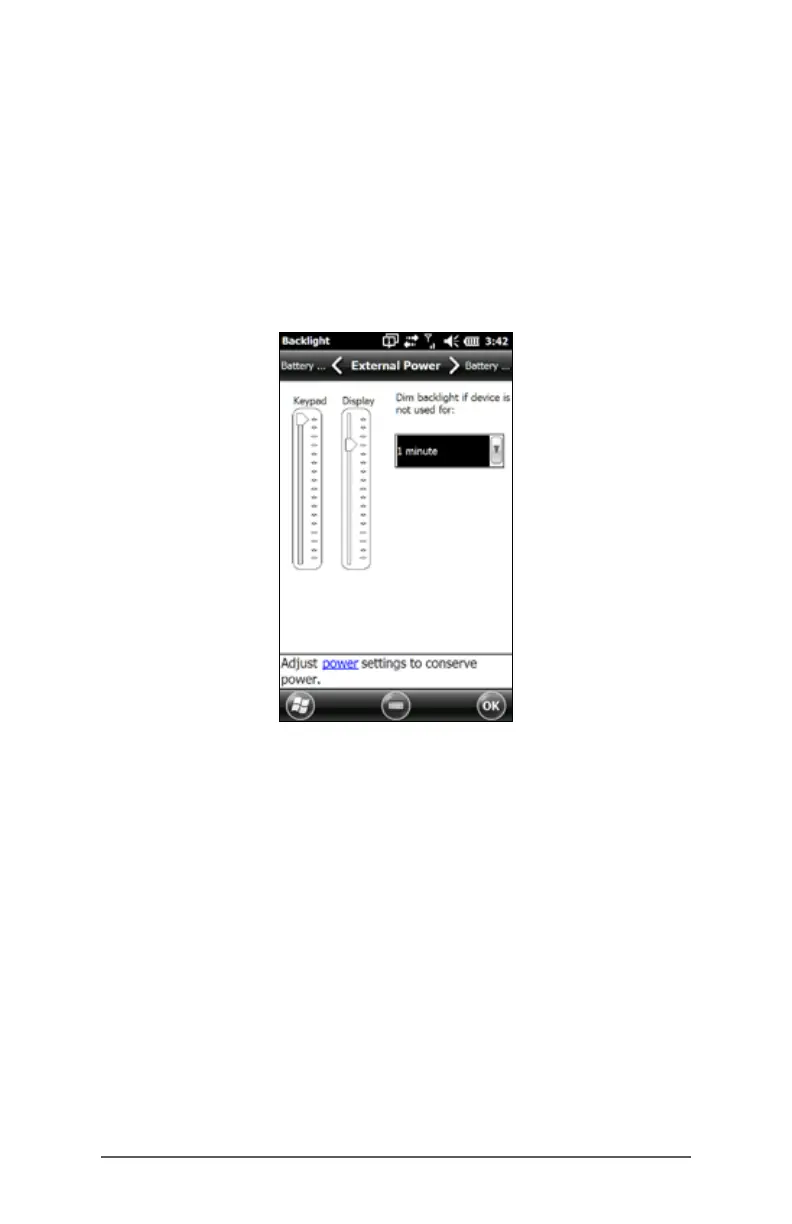
Make keypad brightness adjustments through the Backlight
control panel located at Start > Settings > System >
Backlight. Select the External Power screen or Battery Power
screen from the horizontal menu near the top of the screen.
Move the Keypad slider up to brighten the backlight or
down to dim it. Dimming the keypad backlight saves
battery power when the FC-500 is in use.
Note: The keypad backlight turns off when the display
backlight dims or the FC-500 is suspended.



 To Next Page