Ch 2 Hardware Components 17
Touchscreen Modes
The touchscreen is optimally designed for nger use. The
default touchscreen mode can be adjusted to best match
your application and environment, especially if you are
using a capacitive stylus.
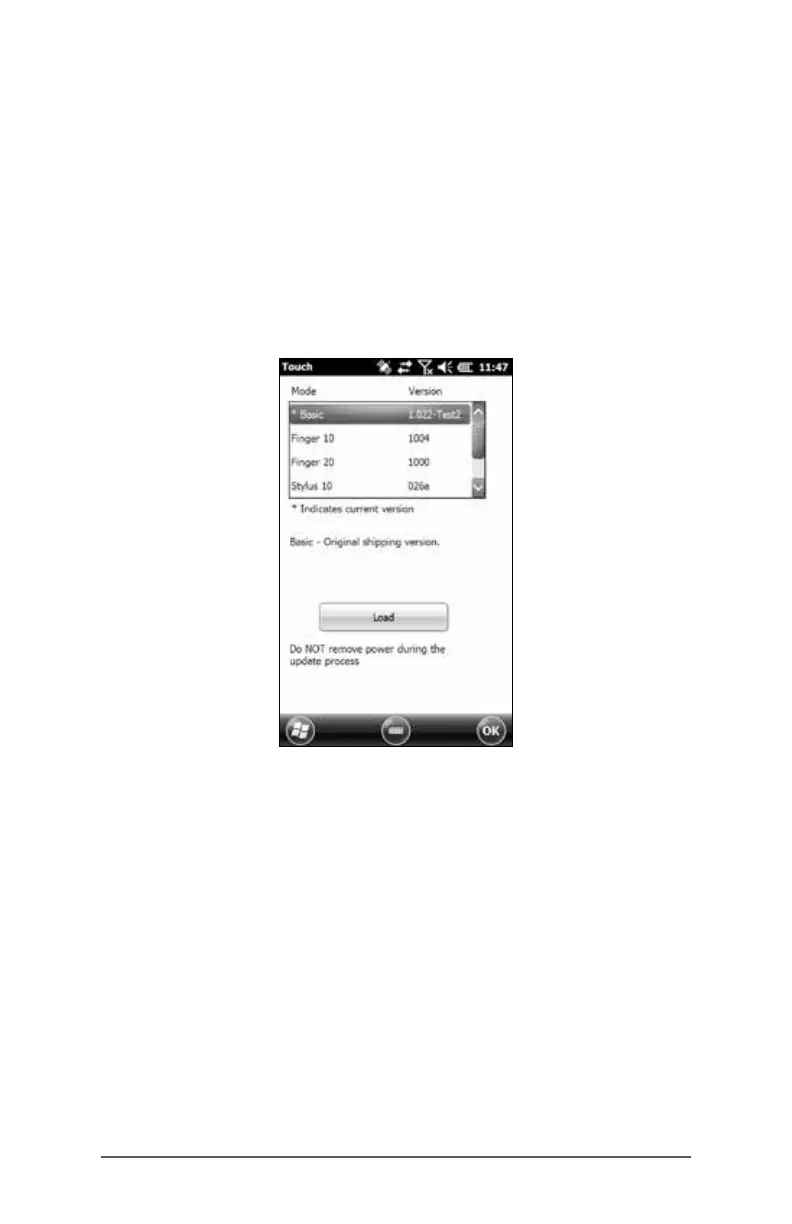
To adjust the touchscreen prole, go to the Touch control
panel by pressing Start > Settings > System > Touch. Modes
for nger or stylus use are shown. The higher the number
between 10, 20, and 30 the greater the sensitivity.
Select the preferred mode, and tap Load. Do not interrupt
the loading process. You can try different modes to see
which one works best for you.



 To Next Page