52 FC-500 Handheld Field Controller Owner’s Manual
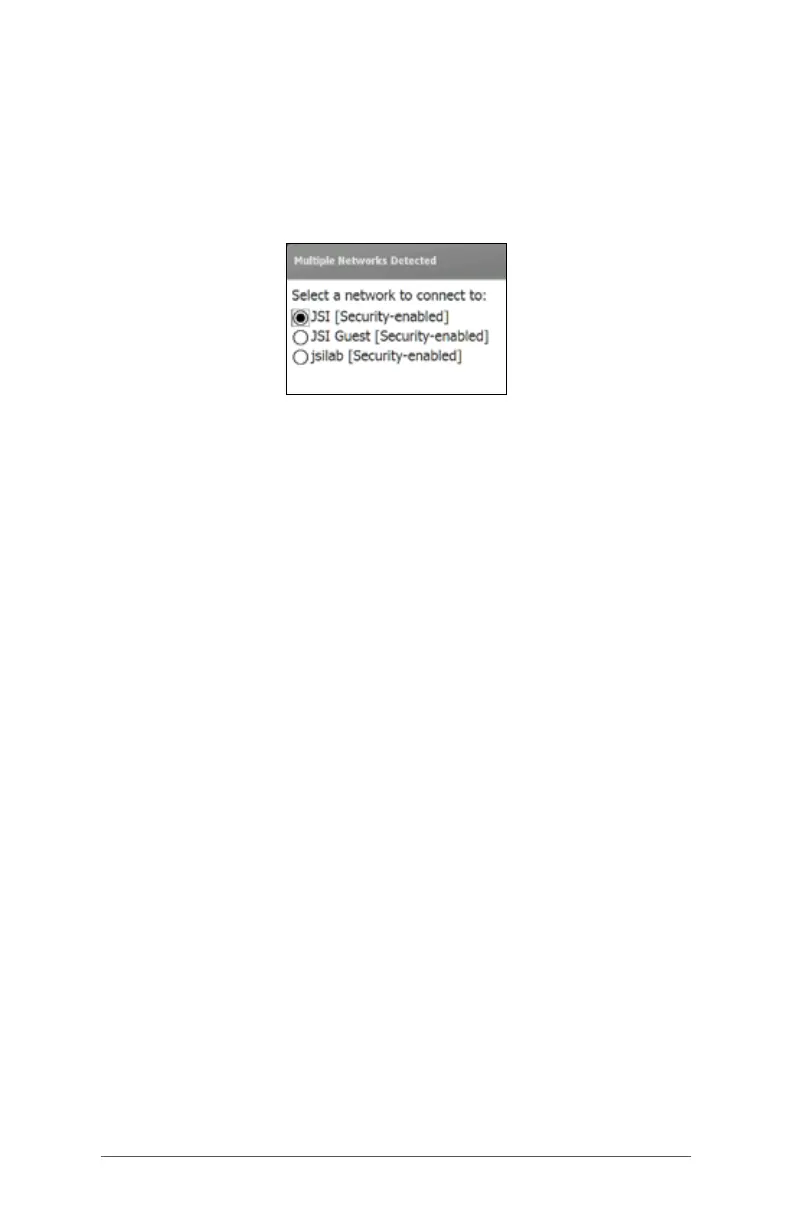
Wi-Fi Dialog Box
Whenever Wi-Fi is turned on, a dialog box might appear at
the bottom of the screen indicating the Wi-Fi networks the
FC-500 has located. You can select a new network from this
dialog box without opening the Wi-Fi control panel.
Tap on the screen outside of the dialog box to remove
it temporarily. You can also disable it to keep it from
appearing in the future. When this dialog box is shown,
select the Menu soft key and select Don’t show this
message... from the list.
Adjusting Wi-Fi Settings
To add a new Wi-Fi network or edit settings, open the Wi-Fi
control panel, select the Menu soft key and make desired
selections from the pull-down list.



 To Next Page