Ch 7 Camera 65
Flash
To use the ash, select Flash from the Menu, then select
On. The ash automatically turns on each time you take a
photo. To turn it off, select Flash from the menu and select
Off.
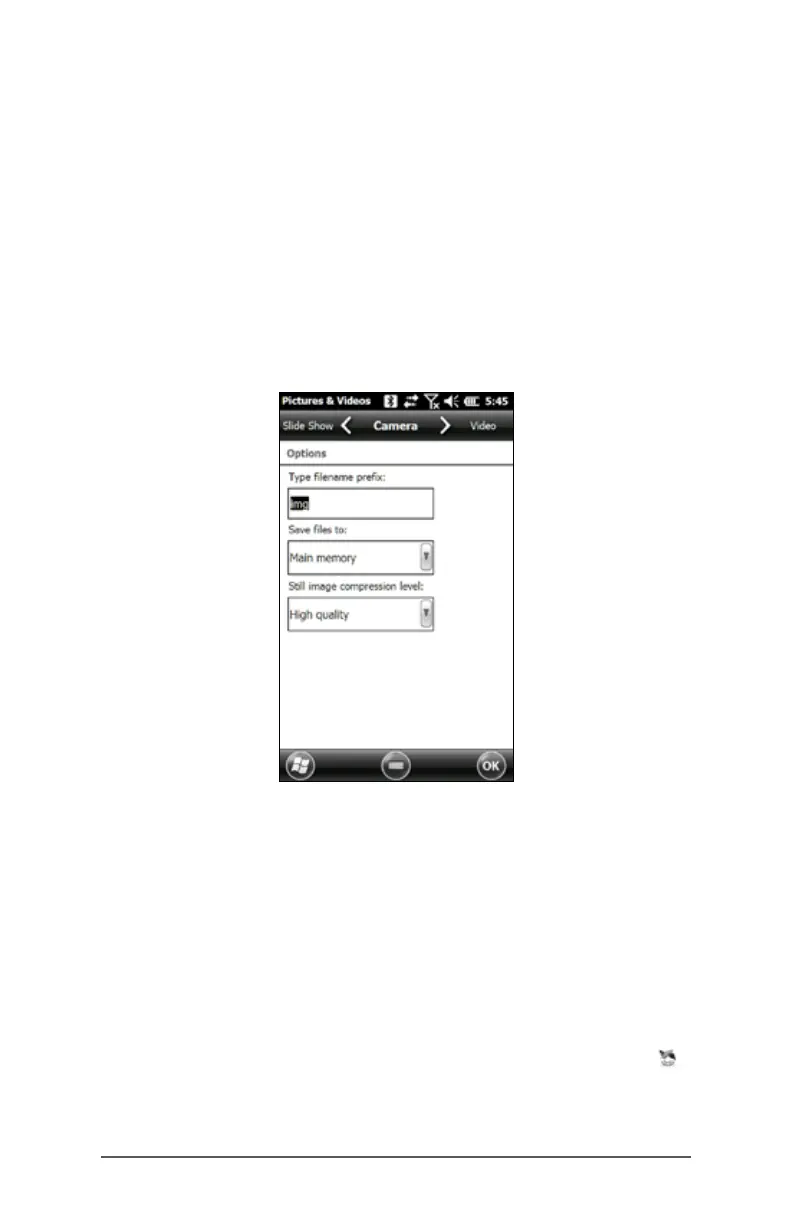
Pictures & Videos Control Panel
To view or change additional settings, select Options from
the Menu soft key. The Camera control panel is shown. Use
the horizontal scrolling menu near the top of the screen to
see what the setting are and make changes as needed.
Geotagging
When pictures are geotagged, the date, time, latitude,
longitude, le name, and notes can be included with the
pictures with the emboss and embed options.
Note: Calibrate the compass and accelerometer before you
use Geotagging. Refer to Chapter 3, Programs and Settings,
Compass and Accelerometer Calibration.
Follow these steps:
1. Turn on GPS/GNSS by tapping the GPS/GNSS gadget
on the Home screen and waiting for a x.



 To Next Page