Deleting Data Files from an Installed Memory Card
P/N 7010-0935
4-9
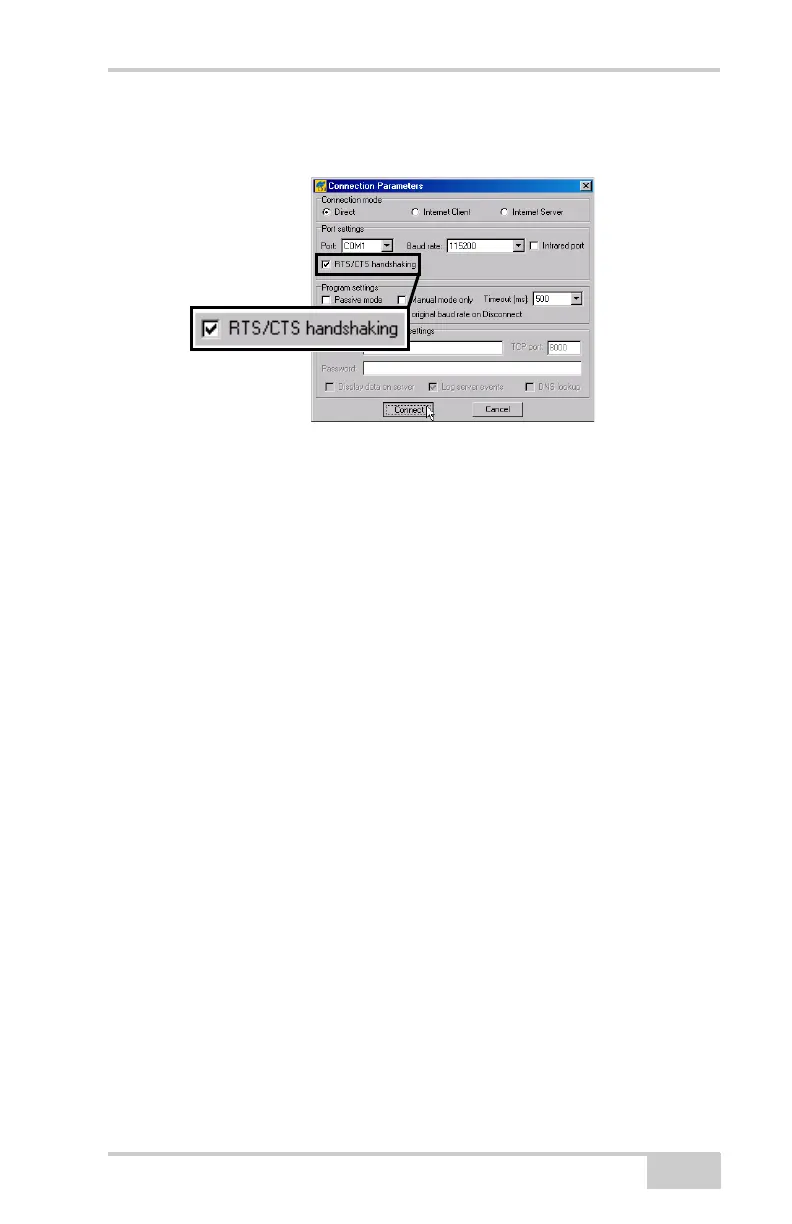
2. On the Connection Parameters dialog box, enable RTS/CTS
handshaking (Figure 4-10).
Figure 4-10. Connection Parameters – RTS/CTS Handshaking
3. Click FileFile Manager and select the file(s) to delete on the
Download files tab (Figure 4-11 on page 4-10).
To select multiple files, hold down the shift key and click on
sequential files to select several files at once or hold down the
Ctrl key and click on individual files.
4. Click Delete (Figure 4-11 on page 4-10).
5. Click Yes on the delete files confirmation dialog box. PC-CDU
deletes the selected files.
6. Click Exit on the File Manager screen.
Net-G3A_OM_Book.book Page 9 Thursday, May 14, 2009 8:49 AM



 To Next Page