15
5. SYSTEM CONFIGURATION
●
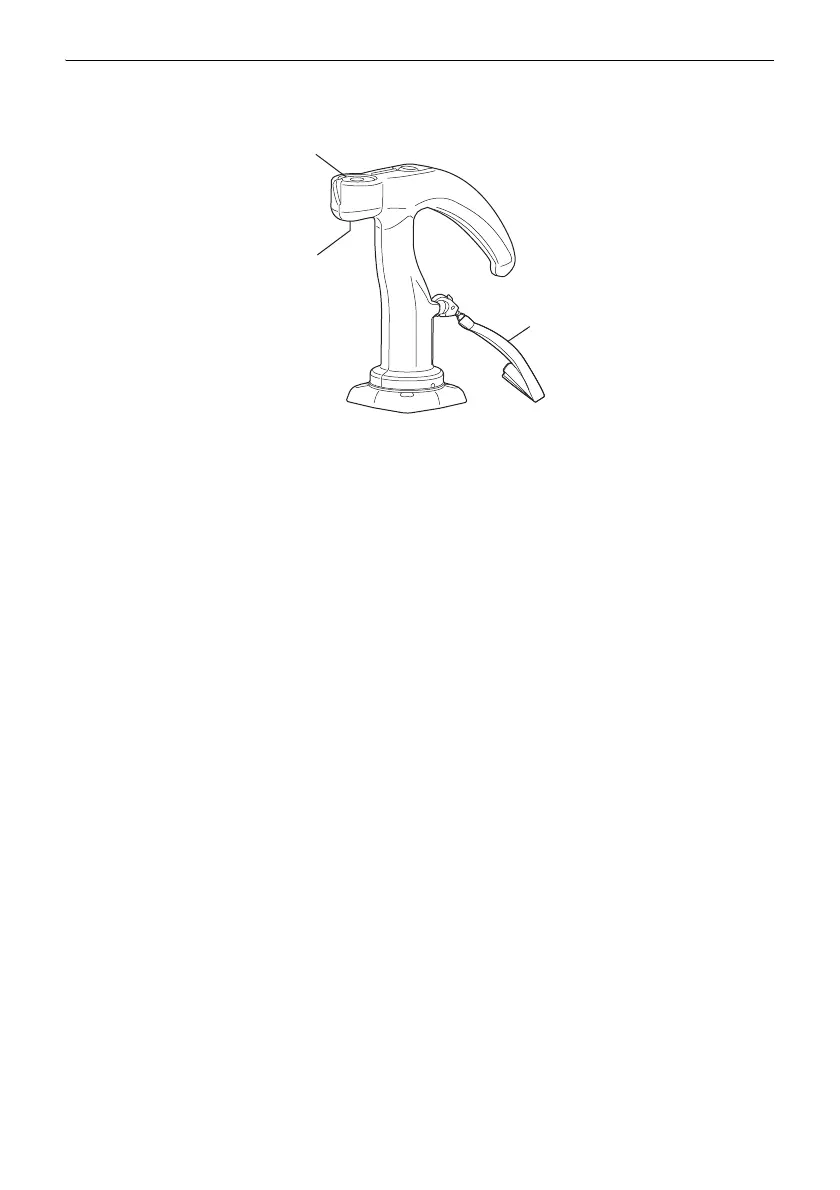
RC-Handle (RC-5RH)
The RC-Handle incorporates a circular level.
Adjusting the circular level
First attach the RC-Handle and 360° Prism ATP1 to the RC-5A, and then attach the RC-5A to
the instrument height adapter (AP41) etc. Holding the RC-Handle, keep the instrument level.
Check the position of the bubble of the circular level. If the bubble is not off-center, no adjustment
is necessary. If the bubble is off-center, perform the following adjustment. First confirm the off-
center direction. Use the adjusting pin to loosen the circular level adjustment screw on the side
opposite to the direction the bubble is displaced to move the bubble to the center. Adjust the
adjusting screws until the tightening tension of the three screws is the same to align the bubble
in the middle of the circle.
Circular level
Circular level
Strap
adjusting screws



 To Next Page