31
6. SETTINGS FOR THE TOTAL STATION
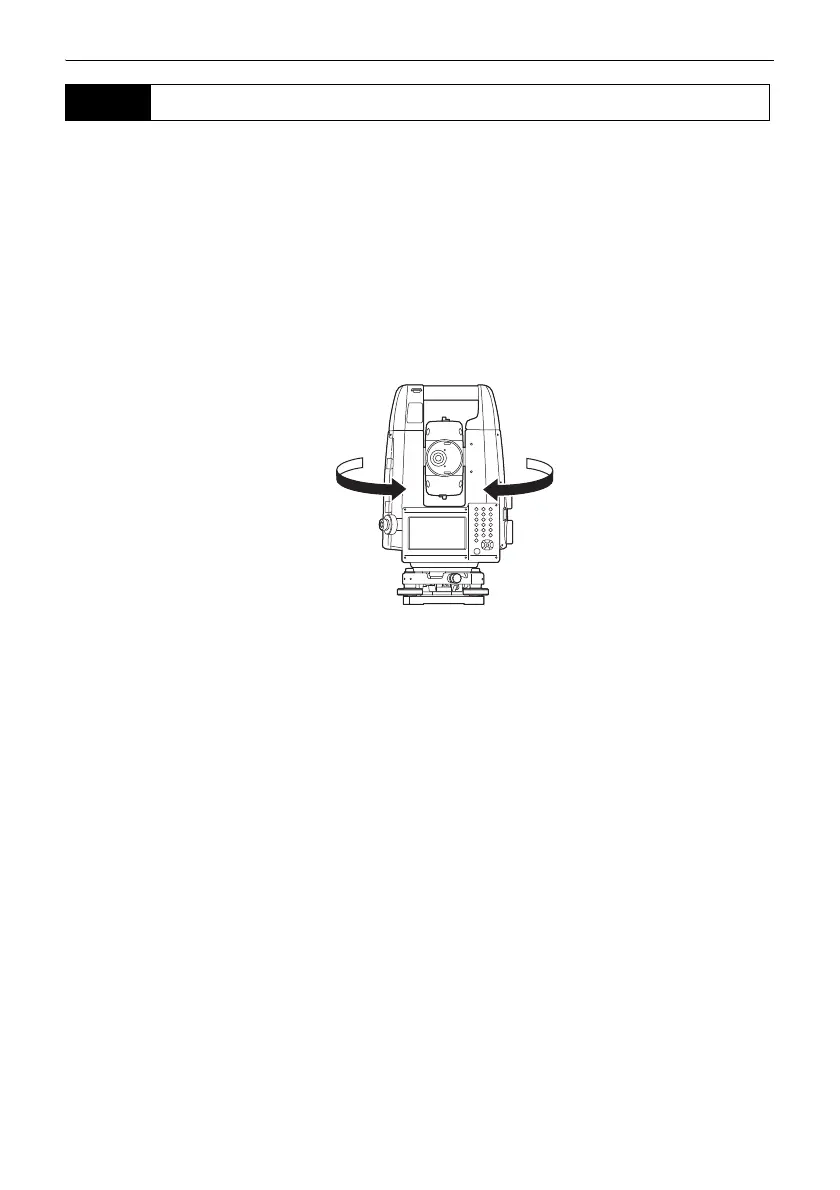
It is possible to allocate total station softkeys for both designating the Turning direction, and issuing
the instruction to start Turning.
For allocating softkey functions, see the Operator’s Manual for your total station.
● Softkey operation
• [RC]: total station begins Turning directly in the direction of the Remote Controller.
• [ ← RC]: total station begins Turning in a counterclockwise (left) direction (from the point of
view of the operation panel).
• [RC → ]: total station begins Turning in a clockwise (right) direction (from the point of view
of the operation panel).
• [RC Cont]: Nullifies the current measurement position and continues Turning operation.
The functions of the following softkeys change according to the settings made in "Track Setting" and
"Srch method" in <Motor configuration>.
6.3 Performing Turning from the Total Station



 To Next Page