34
6. SETTINGS FOR THE TOTAL STATION
When Turning fails to detect the prism, an error occurs.
When the laser beam from the Remote Controller is reflected off an unrelated object the total station
completes Turning operation pointing at the object, instead of the Remote Controller. When this
happens, press [RC Cont] to nullify the current measurement position and continue Turning operation.
• Explanation regarding lost prism in this section is for the GT and PS. For other models, see the
Operator’s manual for your total station.
Lost Prism
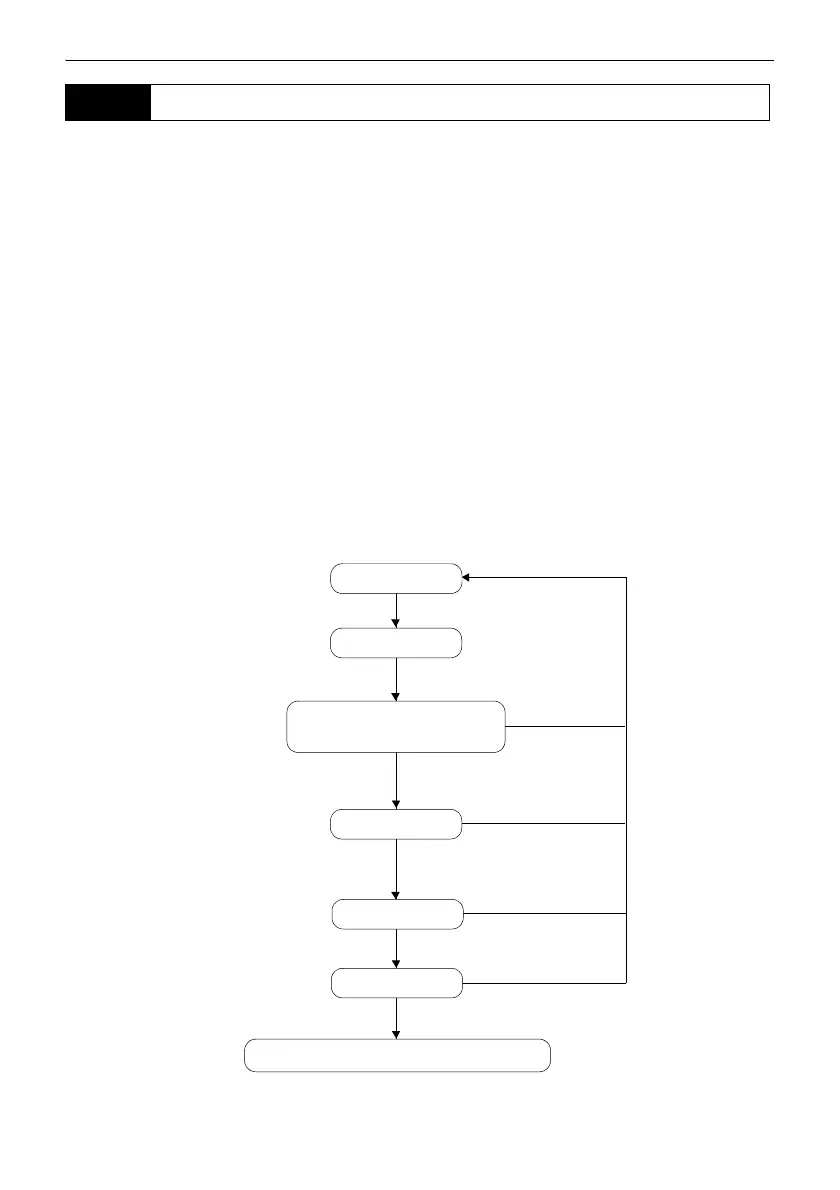
In the event that an obstacle prevents the instrument sighting the target during Auto Tracking,
the instrument will predict the direction in which the target will travel and continue Auto Tracking
based on this prediction for the time period set in "Forecast time". If the instrument re-acquires
the target in this predicted direction, Auto Tracking continues without change. If the target is not
re-acquired however, the target is considered "lost" ("Target lost" status) and the instrument
starts "horizontal search", "Prism wait" and "re-search" in order. If the instrument re-acquires the
target in this process , Auto Tracking continues.
"Prism wait" will continue for the time period set in "Wait time".
If the target is not re-acquired after "re-search", sighting terminates.
For error messages, see the Operator's Manual for your total station.
6.4 Turning Error
Obstacle
Targe t
Target found
"Prism wait"
Target found
not found
"Target lost"
Re-search
Target found
Targe t
not found
Sighting terminates (Auto Tracking idle)
Targe t
not found
Target found
Targe t
not found
Auto Tracking continues
in predicted direction
Auto Tracking



 To Next Page