28
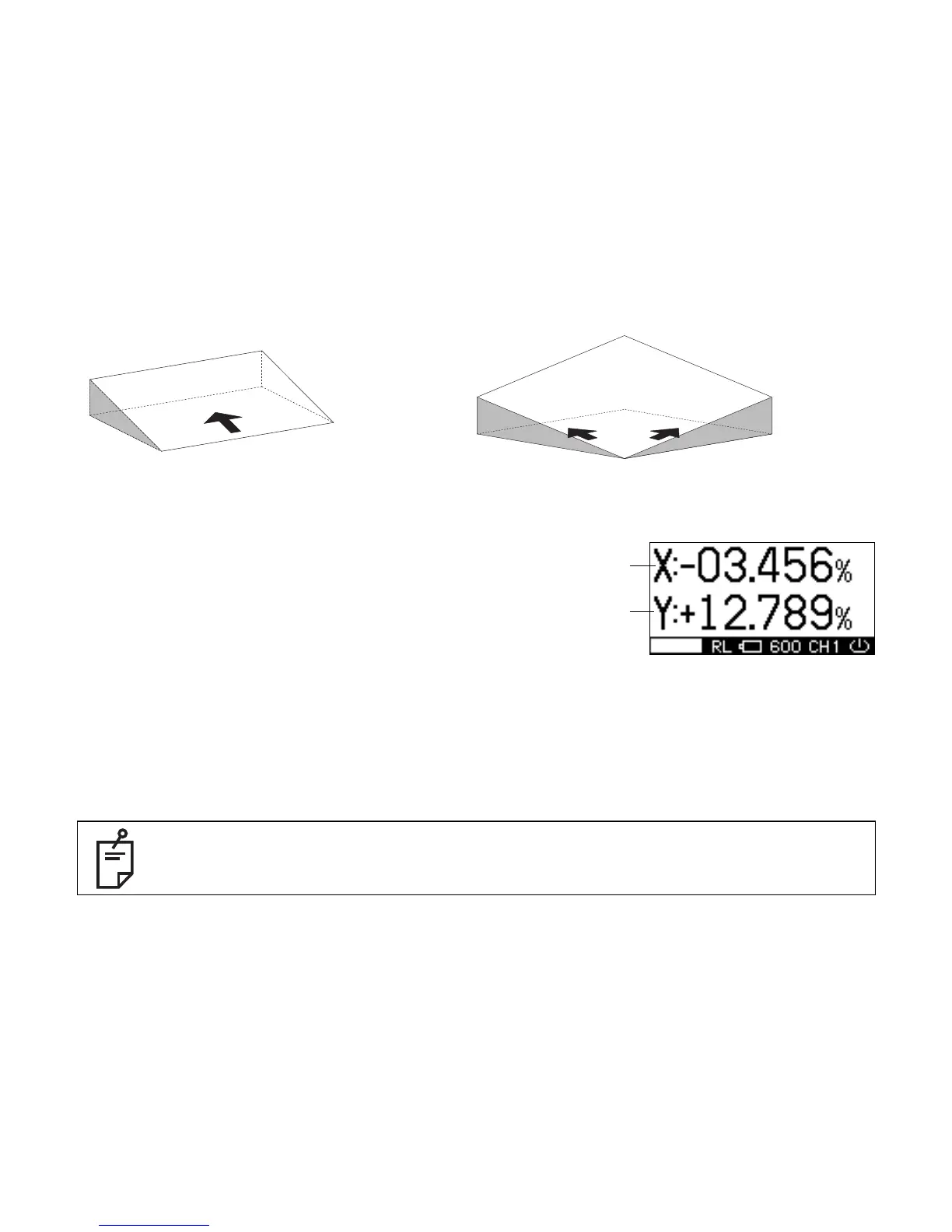
How to Enter Grade
1 Press the [X/Y] key to begin grade input.
The axis symbol will flash and it will go into grade entry
status.
(The X and Y axis displays will switch with each push.)
2 Select positive or negative grade by pressing arrow keys
(Up or Down).
3 Move the cursor by pressing the arrow keys (Right or Left).
4 Increase or decrease the number by pressing the arrow keys (Up or Down).
5 Press the [ENT] key to finish input.
When setting up using the remote controller
Confirm the “OK”.
If the “NG” mark is displayed, press the [ENT] key.
When holding down the [X] or [Y] key while the X or Y symbol is flashing, the flashing
axis will reset to 00.000%.



 To Next Page