7. APPLIED OPERATION AND SETTING OF VARIOUS FUNCTIONS
38
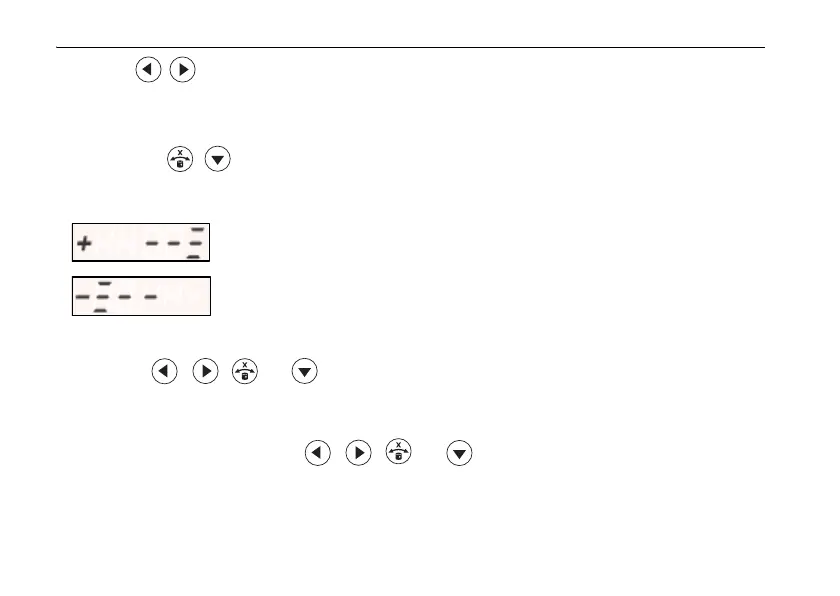
9 Press key to adjust the grade of the laser beam and align with the standard
position for the LS-80L.
The length of time the arrow key is pressed will change the speed at which the laser beam
grades. (The speed will change from low to high speed.) For Y-axis grading, follow steps
7
to 9 using keys.
* Display during arrow key operation
• When the , , , or key is pressed, the laser beam will emit even if auto leveling
starts.
• This mode can be used with the RC-50.
• When the RC-50 is used in an environment in which similar radio signals (wireless LAN, etc.)
are transmitted, and when the , , , or key is long-pushed in step
9, the laser
beam grading may stop. If this interferes with the operation, change the communication
channel for the RL-SV1S and RC-50 and try again.
5.2 How to set remote controller communication channel(p. 25)
The laser beam is moving in the X (Y) + direction.
The laser beam is moving in the X (Y) - direction.



 To Next Page