Ë
For VHF, the Channel No. varies from 52500 KHz to 226000 KHz.
Ë
For UHF, the Channel No. varies from 474000 KHz to 858000 KHz.
When you press the button on the Search, if it is complete
to set
the Search options,the digital receiver starts searching
for channels. The digital receiver will display the list of found
TV and radio transmitters. When the scan is complete, you
will see the screen showing the number of TV and radio
services found.
The digital receiver starts to search automatically for the
available services and displays a list of television and radio
services as they are found. When the scan is complete, a
message is displayed telling how many services have been
found.
3 Service Search
3.1.1 Manual Channel Scan 15
Manual Channel Scan
Scan Mode
Scan Band
Channel No.
By Channel
VHF
CH06 (177500 KHz)
Frequency
Bandwidth
Search
Signal Intensity
Signal Quality
0%
0%
OKExit
Start Search
Manual Channel Scan
Auto Channel Scan
Antenna Supply 5V
OKExit
transponder, since more than one service is provided via each
You may choose to search only for the services of a specic
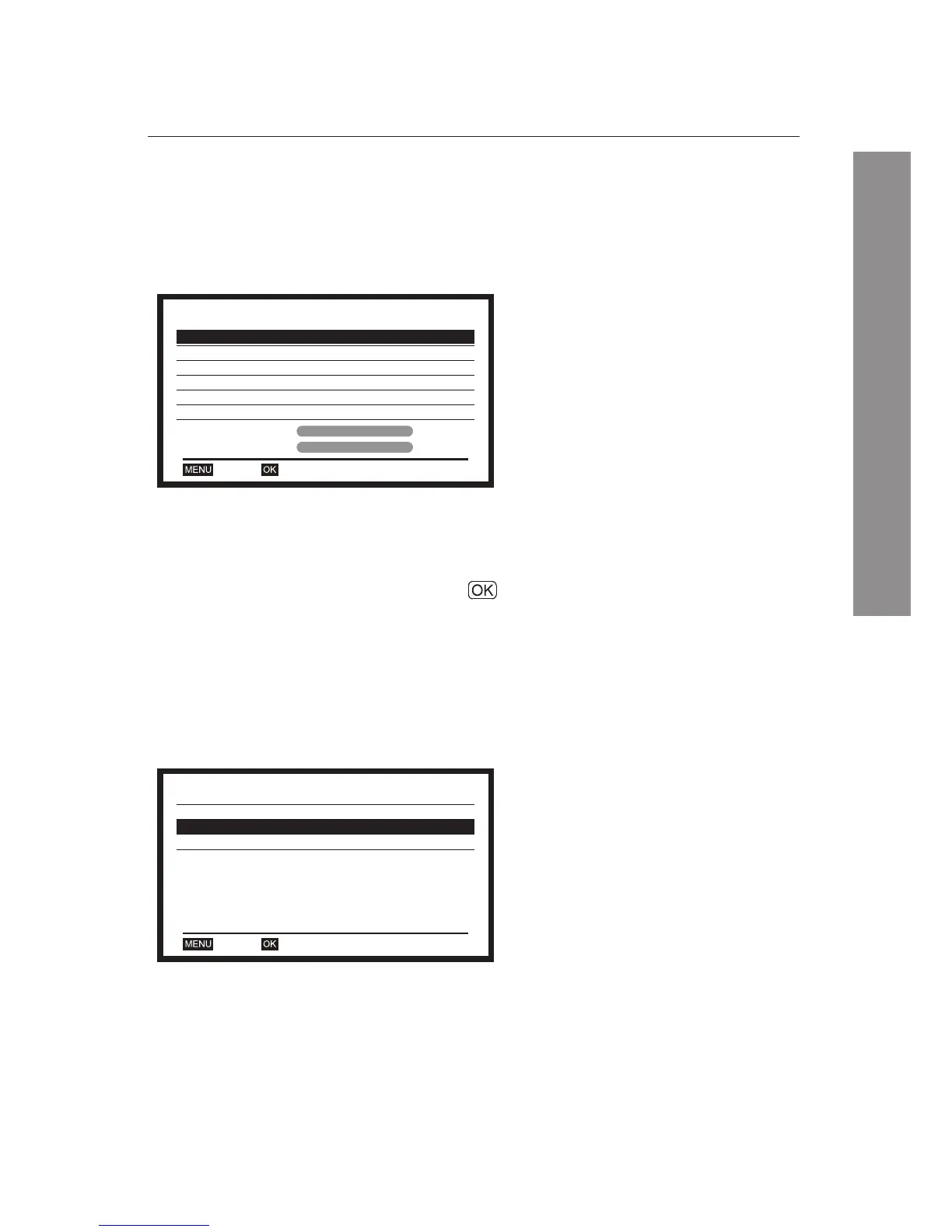
transponder. For this, you should choose Manual Channel
Scan from the Start Search options.
Select Manual Channel Scan from
the Start Search options.
Select By Channel or By Frequency
using buttons.
After choosing By Channel, you can
select the desired Scan Band
(transponder), and Channel Number.
Auto Channel Scan searches the
available services automatically.
This menu operates through the
following procedures;
Select Auto Channel Scan from the
Start Search options.
3.1.1 Manual Channel Scan
3.1.2 Auto Channel Scan















 To Next Page