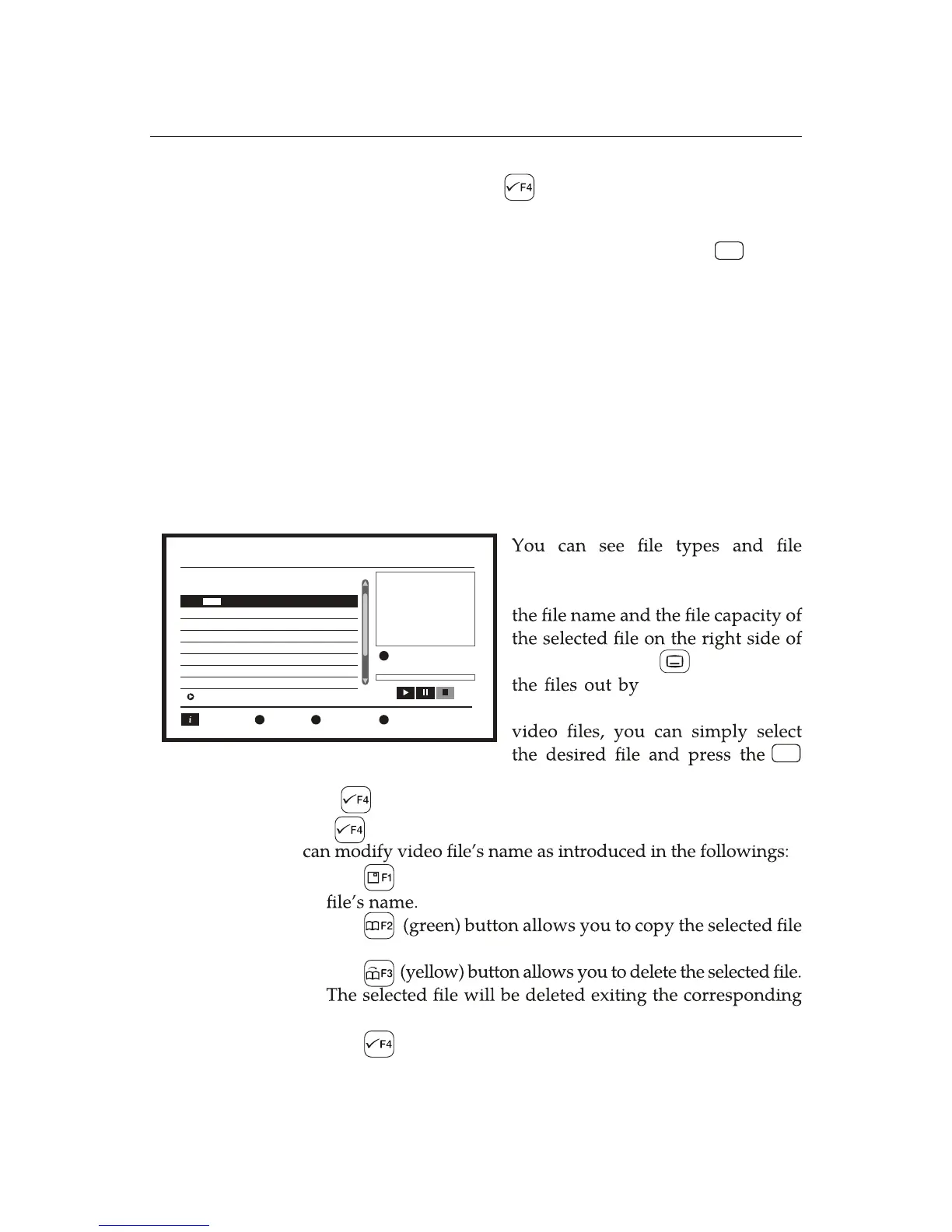
names in the list on the left side of
the screen. In addition, you can see
the screen. The button sorts
Name, Time, Size,
or Favourite.
If you want to play
button.
44hhhhh2Nj3ajCNL3Nj
Whenever you want to play the recorded programme, you can
addition, you cannot use the Trick Mode when radio les are
You can playback video les with the digital receiver. The
video les and to manage them.
You can copy the desired programme to the USB ash
memory by using the (blue)button.
simply select the desired programme and press the button.
You cannot use several features such as the Continuous
Playback, Make Snapshot, Create Folder, and Copy. In
played.
Ë
The (red) button allows you to modify the desired
The
to the desired place.
The
menu.
The (blue) button allows you to create folders.
Ë
Ë
Ë
Ë
OK
OK
8.2 Media Player
menu Media Player allows you to view the information of the
The button makes you to start the Edit Mode. Pressing
the button again exits the Edit Mode. In the Edit Mode, you
Media Player
HDD
/..
1 ABC. mp4
MPG
Screen
Sort RepeatPlayer
/mnt/uda1
Edit
ABC.mp4















 To Next Page