36hhhhh`3,Ra0CN<hN0hTIw$,G
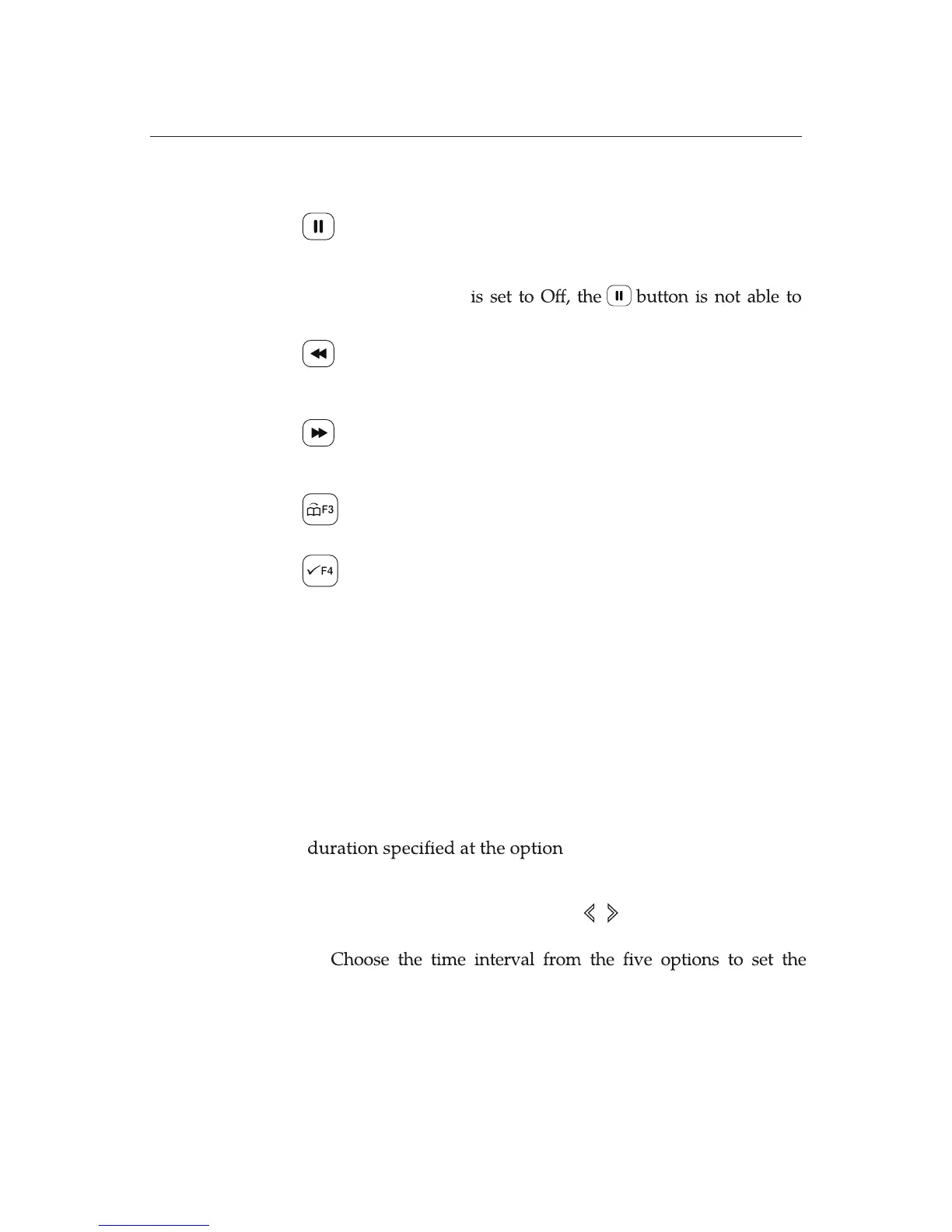
PVR buttons on the RCU has special functions as introduced
in the followings:
Pause
Calls the
Time-Shift
function while watch-
ing a live programme.
If the option of the PVR Setting, Timeshift
call the
Time-Shift
function.
Fast Rewind
Works for
Fast Rewind
. Pressing repeat-
edly to change the speed to x2, x4, x8, x16,
and x24.
Fast Forward
Works for
Fast Forward
. Pressing repeat-
edly to change the speed to x2, x4, x8, x16,
and x24.
Yellow
Performs
Jump
Operation which is
depending on the PVR Setting options.
Blue
Performs
Jump
Operation which is
depending on the PVR Setting options.
7.2.2 Playback Jump Time Interval
You can set time interval for Recorded File Playback or for the
Time-Shift function by using the Playback Jump Time
Interval. The time interval is selectable from 30 seconds, 1
minute, 5 minutes, 10 minutes, and 30 minutes.
To setup the option Playback Jump Time Interval makes the
PVR store the latest of the current programme as long as the
Playback Jump Time Interval.
Since you set the PVR storage path previously, the time
shifted programme will be saved in the storage device you
specied.
Go to the menu, System Setup>PVR Setting. Select On to
activate the Time Shift by using buttons.
Playback Jump Time Interval: 30 seconds, 1 minute, 5
minutes, 10 minutes, and 30 minutes.
1.
2.









 To Next Page