4 Preference Settings
4.8 PVR Storage 25
4.8 PVR Storage
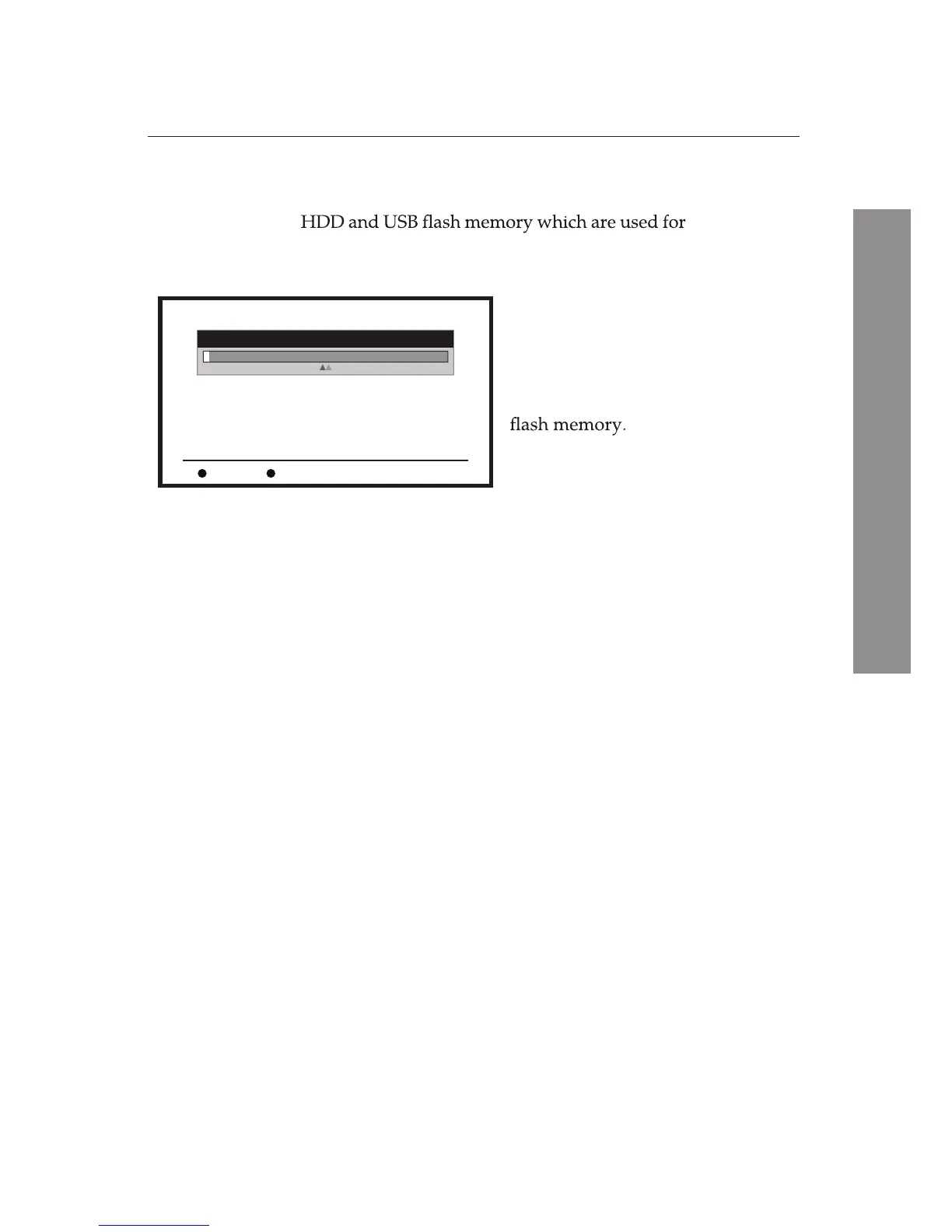
You can see the information about the currently equipped
PVR Storage
.
The available information is
Volume, Total Size, Free Size,
Rec Size, TMS Size,
and
File System
.
PVR Storage
Volume:
Total Size:
Free Size:
Rec Size:
TMS Size:
File Size:
[uda1]HDD
465.76G bytes
459.79G bytes
439.79G bytes
20.00G bytes
NTFS
USB Disk A : 465.76G bytes
Select
PVR Storage
Information
from the
System Setup
menu.
Check the information about the
currently equipped HDD and USB
Format HDD/USB
F3
key performs Format (FAT or NTFS) operation.
F4
key allows for the user to choose one between HDD and
USB ash memory to set the storage path.
Ë
Ë
4.9 PVR Setting
You can pause and resume a live television programme, and even
rewind and replay it. When you do this, you are no longer watch-
ing the live programme; instead you are watching a delayed
presentation. This is called
Time-Shifted
television. With this,
you can skip commercials until you catch up to the live broadcast.
PVR Setting
has two sub-menus:
Timeshift
and
Playback
Jump Time Interval.
You can activate or deactivate the
Time Shift
function by using
the sub-menu
Timeshift
(default:
ON
). The
Timeshift
is available
while watching a live programme or a recorded programme.
You can set time interval for
Recorded File Playback
or for the
Time-Shift
function by using the
Playback Jump Time Interval
.
The time interval is selectable from 30 seconds, 1 minute, 5
minutes, 10 minutes, and 30 minutes.















 To Next Page