18 Preference Settings
tion programmes in resolution of 576. On the contrary, if you
set it to 1080i, the digital receiver will present even standard
NOTE
Composite Video Output (VIDEO).
4.1.2 Aspect Mode
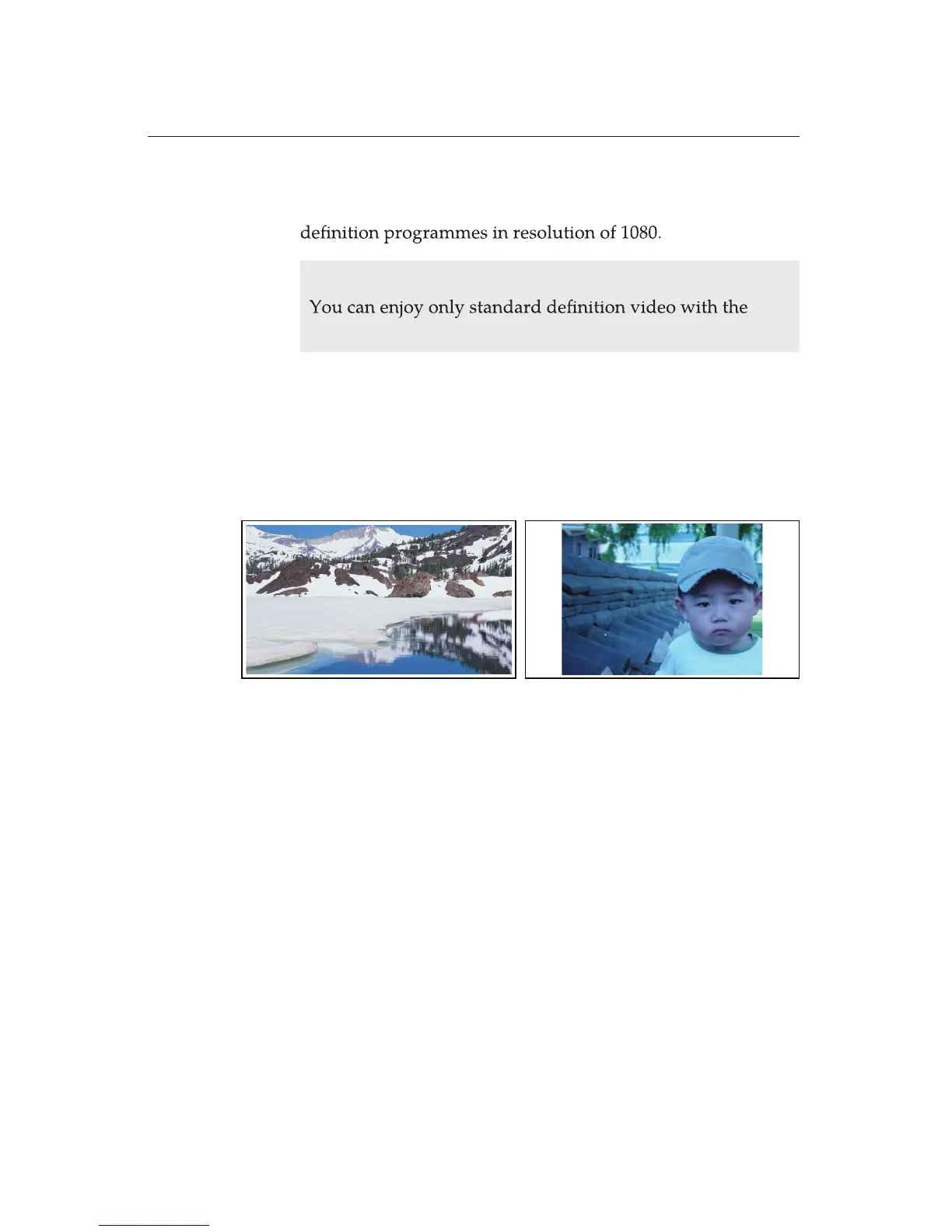
If you have a wide-screen television, set the Aspect Mode
option to 16:9.
If you have a wide-screen television, set the Aspect Mode
option to 16:9. You can enjoy both wide-screen programs and
normal screen programmes with your wide-screen television.
If you want to watch normal-screen programmes in full screen,
wise, to watch the normal-screen programmes in original ratio,
will be inated to t to the width of your wide-screen. Other-
set Display Format option to Full. Then normal-screen pictures
set the Display Format option to Center.















 To Next Page