38hhhhh`3,Ra0CN<hN0hTIw$,G
7.3.2 Timer Recording
digital receiver is in Standby Mode, it will switch into Active
Mode
receiver switches back to the Standby Mode within one
minute after the end of the recording. However, the digital
receiver will not switch to the Standby Mode if you press any
button on the RCU or on the front panel even just one time.
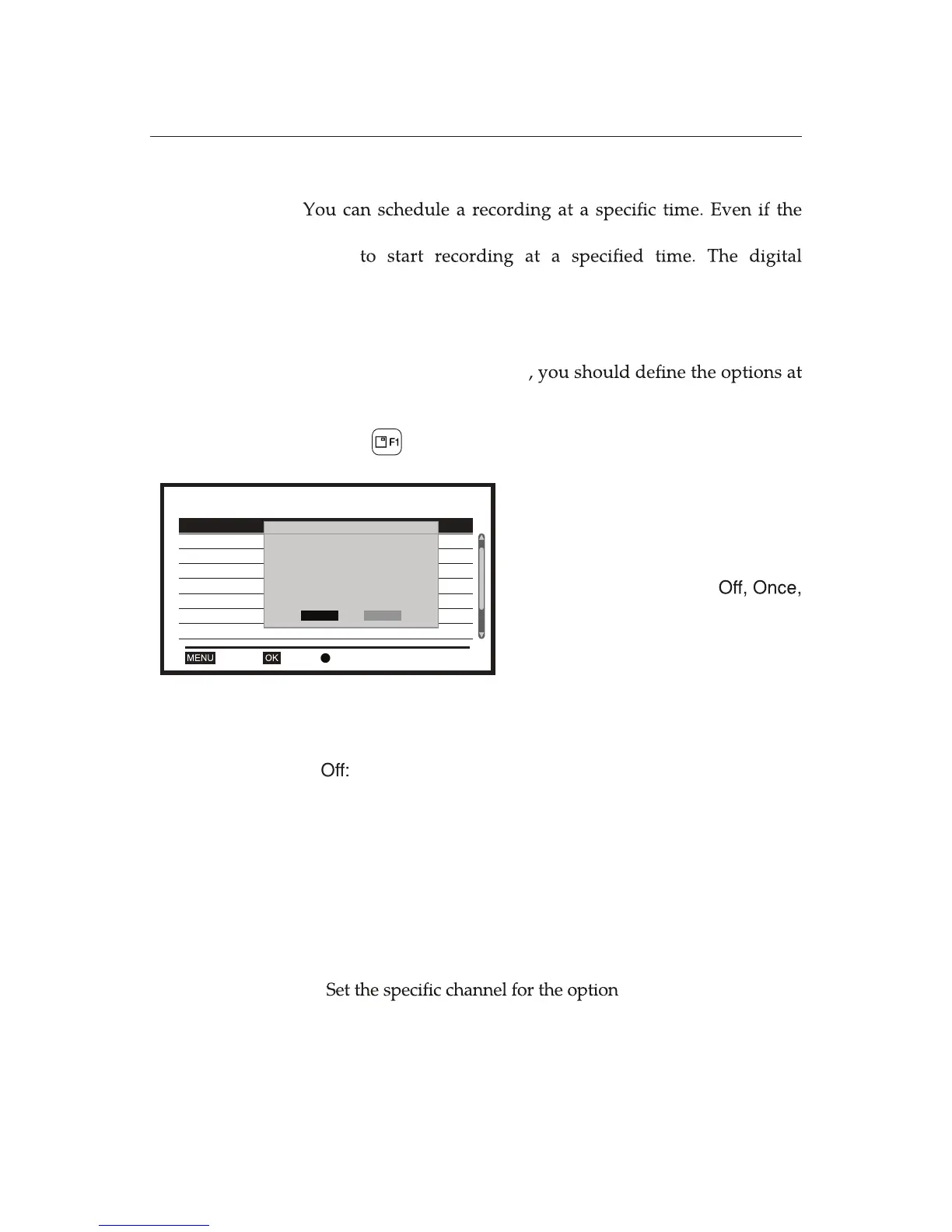
To make a Timer Recording
the System Setup>Reservation Setting as introduced in
Chapter 4, Menu: System Setup. To add a new timer event,
use the button.
Making a reservation for a Series programme is allowed only
at the EPG environment.
Reservation Setting 2/30
1 Once Record ABC2 07/15/2015 16:30 30:00
07/16/2015 16:40 30:00
2 Daily Record ABC2
3 Off
OK DeleteExit
4 Off
5 Off
6 Off
7 Off
8 Off
Timer Mode Once
Timer Service Record
Wakeup Channel ABC2
Wakeup Date 2015.07.15
On Time 16:30
Duration 30:00
Save
Cancel
20:10 2010-12-11
1. Select the Reservation Setting in
the System Setup options.
2. Set each timer On. Up to 30 timers
are allowed for reservation.
3. Set the Timer Mode to
Daily, Weekly, or Series. When the
Timer Mode is set to Series, the
other options are deactivated.
Once:
Daily:
Weekly:
Series:
deactivates the
Reservation Setting
.
makes the reservation one time.
makes the reservation every day.
makes the reservation one day every week.
makes the reservation in series for the series
programme.
Ë
Ë
Ë
Ë
Ë
Set the Timer Service to Channel or Record. If you choose
Record as a Timer Service, the digital receiver will record a
programme, which is broadcasting at the Wakeup Channel.
Wakeup Channel. It is
a channel to be tuned when the digital receiver is turned on.
Set the date for the option Wakeup Date. It is a date when the
digital receiver is turned on.
Set the time for the option On Time. It is the time when the
digital receiver is turned on.
4.
5.
6.
7.















 To Next Page